By the MuftTools.in teamUpdated October 2026How we checkSources: Google: Tips for image generation and editing in the Gemini app (26 Aug 2025), Gemini Apps Help: Generate & edit images with Gemini Apps
Quick answer
MuftTools.in's birthday photo prompts are ready-written prompts that turn an adult's photo into a birthday picture in ChatGPT or Gemini: a cake moment, a balloon-wall portrait, a black-and-gold party, a midnight surprise, a milestone birthday or a watercolour card. Copy a prompt, attach the photo, paste and send. Add your wishes afterwards so the spelling is right.
- Groups
- Birthday portraits, party and cake, surprises, cards and art
- For
- Adults only: you, your partner, friends who agree, or your parents
- Text on the image
- Left out on purpose; add your wishes afterwards
- Works with
- ChatGPT, Gemini and other AI apps that edit an attached photo
- Your photos
- Go only to the AI app you choose, never to MuftTools
- Price
- Free to copy, no sign-up
Birthday photo prompts, ready to copy
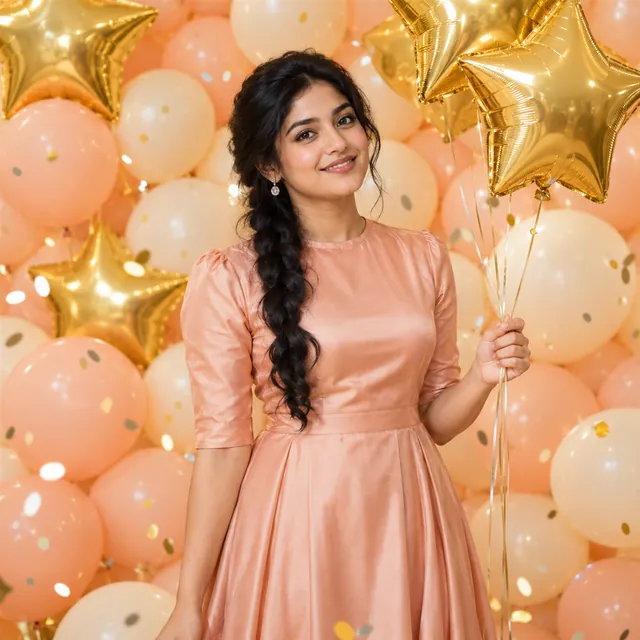
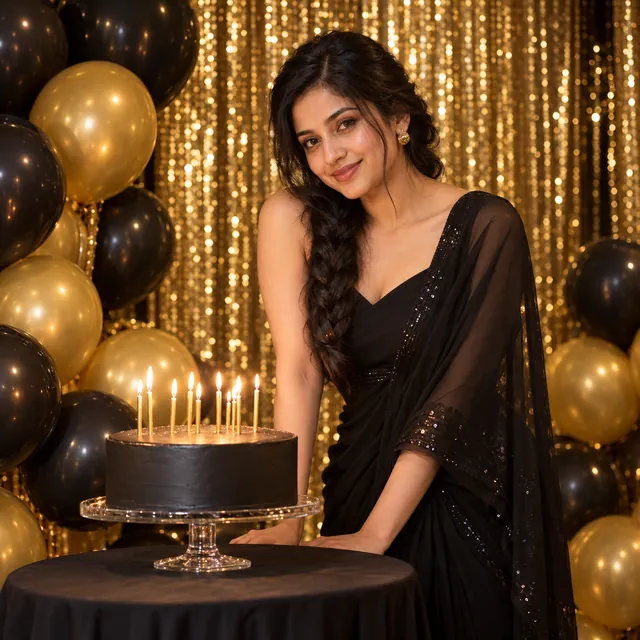
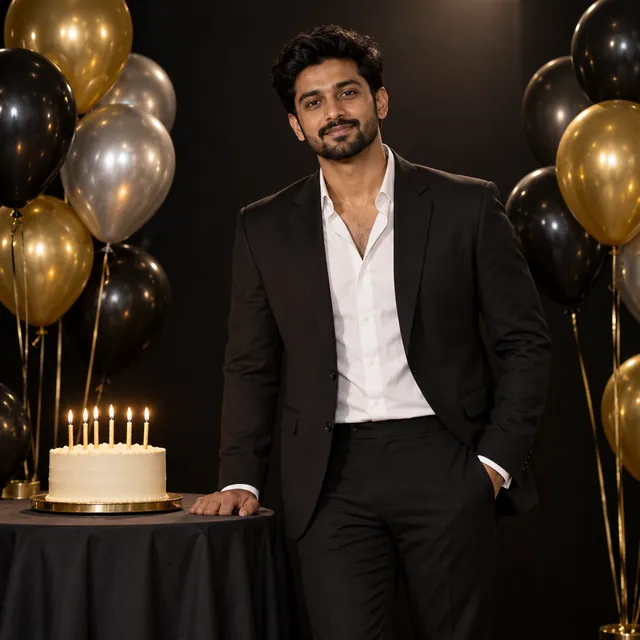
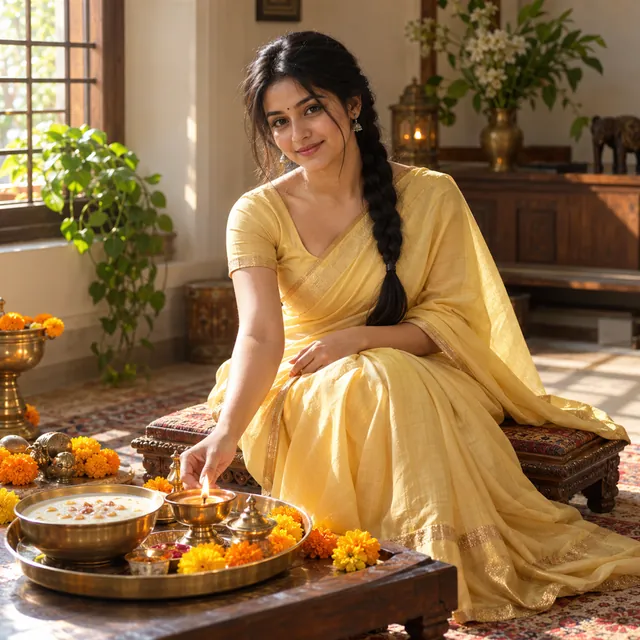
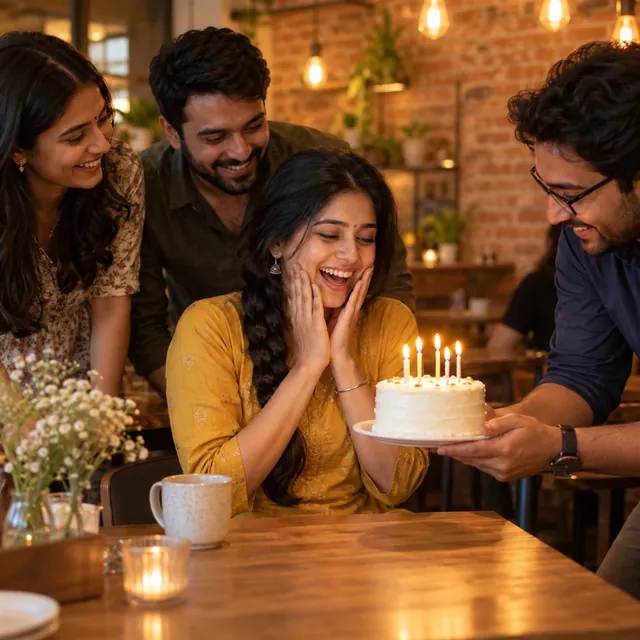
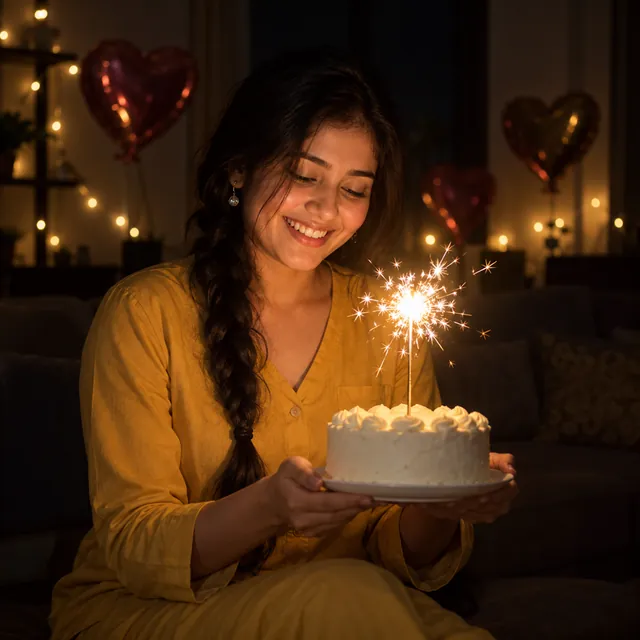
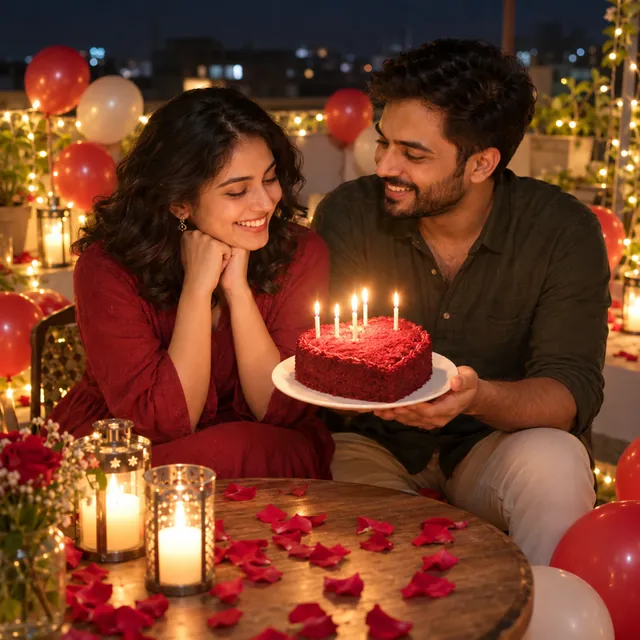
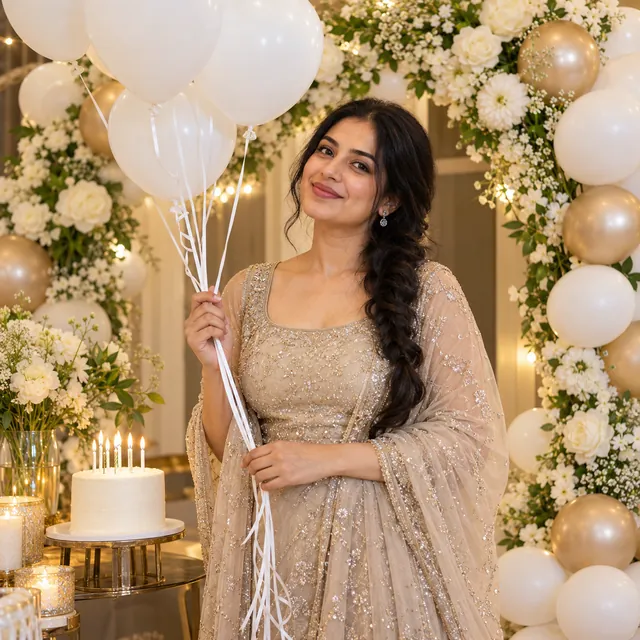
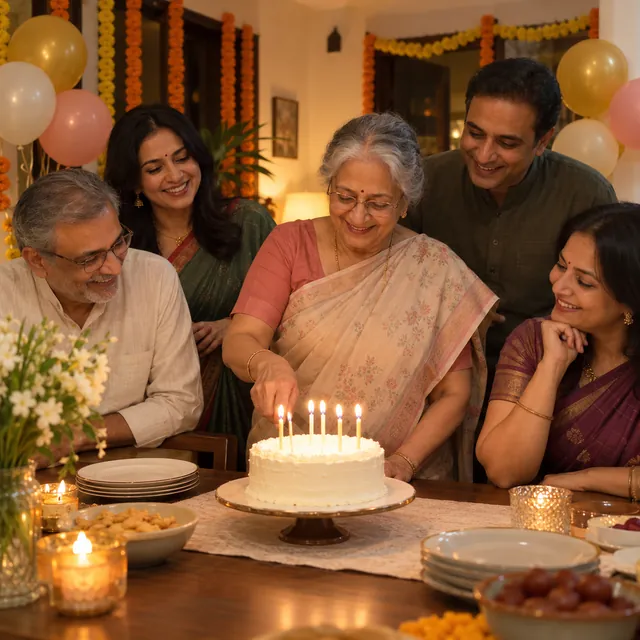
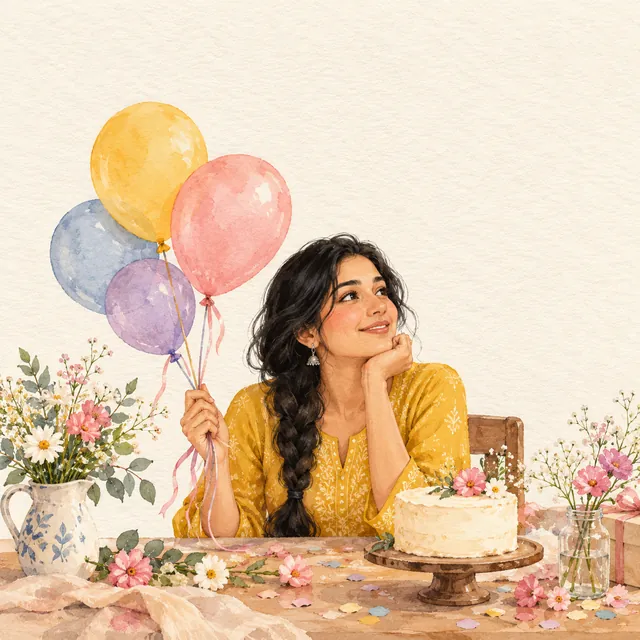
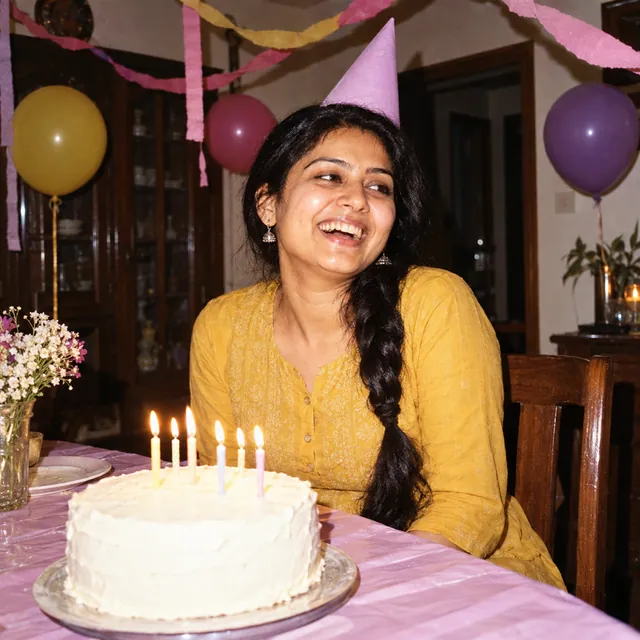
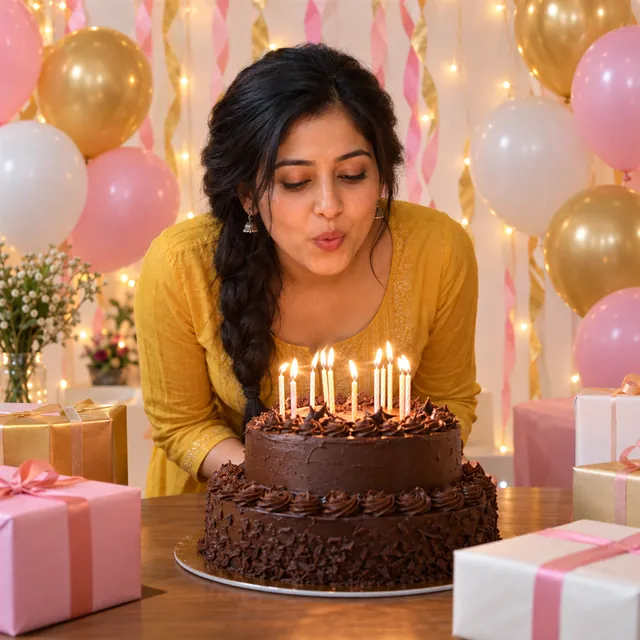
These prompts turn a photo of the birthday person into a party picture: blowing out candles, standing in front of a balloon wall, a black-and-gold set, a midnight surprise at home, a milestone birthday with number balloons, or a soft watercolour card. Each card shows a sample image made with a fictional person, a short description and the full prompt to paste into ChatGPT or Gemini along with your own photo.
They are grouped into birthday portraits, party and cake scenes, surprises (with friends, with a partner, at midnight) and cards and art. There is a prompt for a man's birthday look and one for a parent's birthday, as well as several for women. Every prompt is for adults.
How to use a birthday prompt
- Pick a prompt and tap Copy full prompt.
- Open ChatGPT or Gemini and attach a clear photo of the birthday person: face visible, good light, no sunglasses.
- Paste the prompt and send. If the first result is not right, ask for one change at a time, such as "make the balloons pink" or "keep my face exactly as in the photo".
Change the colours, outfits and cake freely. The red velvet cake can become a mango cake, the satin dress a kurta. Keep the opening line about keeping the face and the "avoid" line at the end; those two lines do most of the work.
Why the prompts leave text off the picture
Most people want "Happy Birthday" and a name on the image. AI apps are much better at drawing than spelling: names come out with a missing letter, and the cake writing turns into squiggles. That is why every prompt here says "avoid text", and the card prompt leaves an empty space at the top.
Add your words afterwards instead:
- Put the wishes in the WhatsApp or Instagram caption, where they are always spelt right.
- Use any photo editor's text tool to place the name in the empty space.
- For a printed invitation to the party itself, the invitation card maker lets you type the text yourself in Hindi or English.
If you still want the AI to write something, keep it to one short word and check every letter before you share it.
Milestone birthdays and number balloons
For a 30th, 40th or 50th birthday, the milestone prompt asks for two gold foil number balloons. Type the age in the brackets. Numbers are a kind of text, so the AI can draw a wrong digit or put them in the wrong order. Zoom in before you send it. If it is wrong, reply with "the balloons must show 4 and 0, in that order", or ask for the balloons without numbers and add the age in the caption.
Birthdays for parents and older relatives
AI apps tend to smooth wrinkles, darken grey hair and make older faces look younger. Many parents do not like that. The "Mum or Dad's birthday" prompt asks the AI to keep their real age, grey hair and glasses, and to change only the scene. If it still makes them look younger, reply "keep the wrinkles, grey hair and skin texture exactly as in the photo". Ask them before you upload their photo: it goes to the AI company, not just to you.
Surprises and friends
The café and midnight surprise prompts need only the birthday person's photo. The friends in the background are invented and softly blurred, so you do not have to upload anyone else's face. If you want your real friends in the picture, use a group photo that everyone has agreed to share, and say in the prompt that the AI must not add or remove anyone.
For the partner prompt, attach a photo of the two of you together. One clear photo of both of you gives a more natural result than two separate photos. For more two-person ideas, see our couple photo prompts.
Sizes for status, posts and profile pictures
- Instagram post: 4:5, which most prompts already ask for.
- WhatsApp or Instagram status: change "4:5" to "9:16" before you send the prompt.
- Profile picture: change it to "1:1" and ask for the face in the centre.
- Exact pixels or KB: the photo resizer on this site sets them in your browser.
Why there are no children's birthday prompts
Children's birthday pictures are popular, but we do not publish prompts for photos of children. A child cannot agree to their photo being sent to an AI company, and the results are easy to misuse once shared. Google's Gemini help page also says image editing is not available to users under 18. For a child's party, a real photo and a printed invitation are a better choice.
Keep it kind and honest
- Use your own photo, or a photo of someone who would be happy with the result.
- Do not use a birthday picture to fake a party, a trip or a gift that did not happen.
- AI images change small details. Check the face, hands and any numbers before you print or share.
Your photos go only to the AI app you choose, never to MuftTools.in. To build your own prompt from scratch, use the AI photo prompt generator. Google's Gemini image tips also explain how to describe a scene step by step. MuftTools.in is not affiliated with OpenAI or Google.
 Trending