Exam Seating Plan Generator
Enter the classes with their roll numbers and the rooms with their rows and seats. Get a seating plan where no student sits next to or behind someone from the same class, with room charts, door lists, attendance sheets and desk slips.
- 100% free
- No sign-up
- Runs in your browser
- Updated October 2026
1Exam
2Students
Enter students asOne class (or paper) per line: the name, a colon, then ranges or single roll numbers, like "Class 8 B: 801-830, 835".
One student per line (comma or tab between them; paste three columns from Excel). Students with the same class or paper are kept apart.
3Rooms
One room per line. If two students share a bench, count each seat: 3 benches of 2 make 6 seats in a row.
4Arrangement
Seating Fill seats5What to print
The PDF has the pages you tick, room by room. The Excel file lists every student's room and seat, with a grid sheet per room. No limit on students, and nothing leaves your browser.
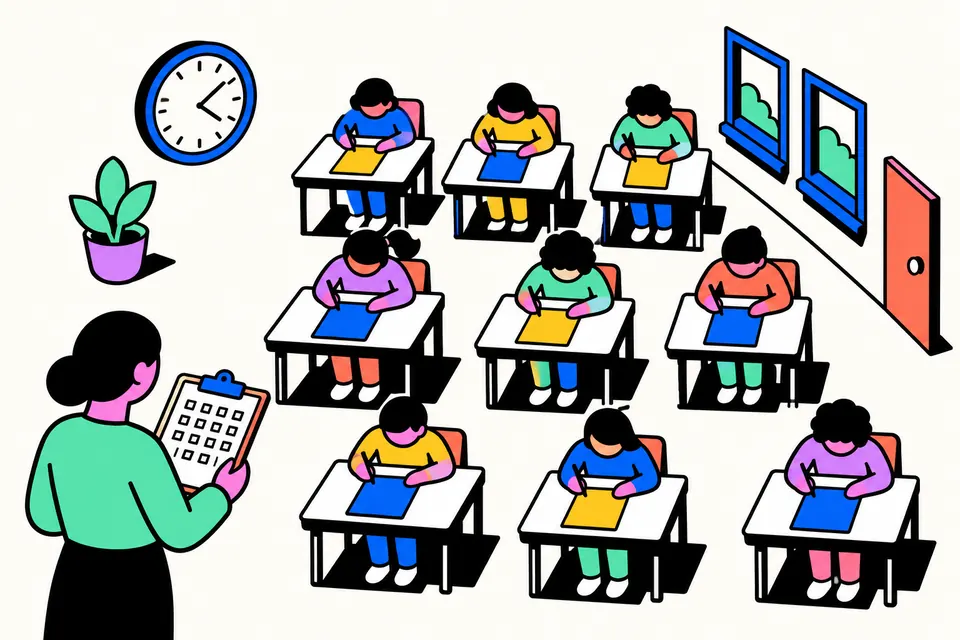
A seating plan for exams, worked out for you
Before every unit test, half-yearly or board practical, the exam in-charge has to fit a few hundred students into the available rooms so that nobody sits next to a classmate with the same paper. Then come the room charts, the lists on each door, the notice-board list and the slips on the desks. Done by hand in a register, it takes an evening and one mistake means doing a room again.
This exam seating plan generator does it in your browser. You enter the classes (or papers) with their roll numbers and the rooms with their rows and seats. It seats everyone, keeps students of the same class apart from the people in front, behind and beside them, and prints everything the exam needs. There is no cap on students and nothing is uploaded.
How to make the seating plan
- Exam details. Type the school or centre name, the exam and the date and time. They print on every page.
- Students. Either type each class with roll-number ranges, like
Class 9 A: 901-938orClass 8 B: 801-830, 835, or switch to A pasted list and paste roll number, name and class from Excel. - Rooms. One room per line with rows and seats in a row:
Room 101, 6, 6. The summary tells you the total seats against the number of students. - Arrangement. Choose Mix classes to keep classes apart, or Roll-number order to seat everyone in sequence. Choose whether seats fill column by column (front to back) or row by row.
- Pages. Tick the pages you want and download the PDF, print it, or save the Excel file.
What you can print
| Page | What it shows | Where it goes |
|---|---|---|
| Room seating chart | The room as a grid seen from the front, with each seat's roll number, class and seat number, colour-coded by class, plus the roll ranges of each class in the room. | Invigilator's desk |
| Door list | The room name in large letters and each class's roll numbers in that room. | Outside the room |
| Notice-board list | Class by class, which roll numbers sit in which room. | Main notice board |
| Attendance sheet | Students in seat order with columns for answer sheet number and signature, and lines for present and absent counts. | Collected by the invigilators |
| Desk slips | 24 slips a page with roll number, class, room and seat, with cut lines. | Pasted on each desk |
How the mixing works
The tool walks through each room in the fill order you choose. For each seat, it looks at the students already seated in front, behind, to the left and to the right, and picks a class that none of them belong to, taking from the class with the most students left. With two classes this makes a checkerboard; with three or more, the pattern varies but no two neighbours share a class. Within each class, roll numbers go in order, so a room's list stays a few simple ranges like 901–912.
When one class is much larger than the rest, keeping everyone apart means leaving some seats empty. The tool first leaves gaps, then, if students would otherwise have no seat, uses the gaps and tells you how many students ended up next to their own class. Add a room or a row to avoid that. Students who still have no seat are counted in red in the summary.
A worked example
Say three sections write the half-yearly exam on the same morning: Class 9 A (roll numbers 901 to 938), Class 9 B (939 to 975) and Class 10 A (1001 to 1040). That is 115 students. You have two classrooms with 6 rows of 6 seats and a hall with 8 rows of 6 seats: 120 seats in all.
| Room | Seats | What the door list shows |
|---|---|---|
| Room 101 | 36 | Three short roll ranges, one for each class |
| Room 102 | 36 | The next block of each class |
| Hall A | 48 | The remaining roll numbers, with 5 seats left empty |
In each room, the seat in front, behind and on either side of a Class 9 A student is taken by Class 9 B or Class 10 A. Each class's roll numbers run in order inside a room, so every door list has just one range per class. The notice-board list then needs only nine lines for 115 students.
Tips from exam duty
- Mix by paper, not just by class, when two sections write the same paper on the same day. Name the lines by paper and the tool keeps the same paper apart.
- Count real seats. Leave out broken benches or the seats nearest the door if you don't use them. Enter fewer seats in that row rather than editing the chart later.
- Column by column fills front to back down each column. It matches how invigilators usually check roll numbers along a column. Row by row suits halls with long benches.
- Print desk slips on coloured paper for each exam day so old slips aren't mistaken for new ones.
- Keep the Excel file. If a student is absent or a room changes, you have the full list by room, row and seat.
- Board examinations, university exams and recruitment tests follow the seating instructions of the body that conducts them. Use this plan for school, college and coaching exams, or wherever no fixed seating rule is given.
Private by design
Names and roll numbers are processed only in your browser. The form is saved on this device so you can come back to it on the next exam day. Nothing is sent to a server, and there is no sign-up or watermark.
Seating arrangement formats
Frequently asked questions
How do I make an exam seating arrangement roll-number wise?
Type each class with its roll-number range, like 'Class 9 A: 901-938', and each room as 'Room 101, 6, 6' (rows and seats in a row). Choose Roll-number order for a plain sequence, or Mix classes to keep each class apart. Then download the room charts and door lists.
How does the tool keep students of the same class apart?
It fills each room seat by seat and, for every seat, picks a class that is different from the students in front, behind, to the left and to the right. With two or more classes this gives a checkerboard-like pattern. If there aren't enough seats to keep everyone apart, it tells you how many students end up next to their own class.
Can I mix students by paper or subject instead of class?
Yes. Name each line by the paper instead of the class, like 'Maths: 101-140' and 'Biology: 141-170', or put the paper in the class column of a pasted list. Students with the same name in that column are kept apart.
Is there a limit on the number of students?
No. Everything is worked out in your browser, so you can seat a few hundred or a few thousand students in up to 60 rooms. Each room can have up to 20 rows and 14 seats in a row.
What is a door list?
A large-print page for the door of each exam room, showing the room name and the roll numbers of each class sitting inside, so students can find their room quickly.
Can I download the seating plan in Excel?
Yes. The Excel file has the full allocation (roll number, name, class, room, row, seat), a class-wise list of roll numbers by room, and a grid sheet for each room.
What if two students share a bench?
Count each seat on the bench as a seat in the row. Three benches of two make six seats in a row. With Mix classes on, the two students on a bench come from different classes.