Family Tree Maker (Vanshavali)
Add yourself, then your parents, grandparents, uncles, aunts and cousins by relation. The tool lays out the generations, writes Hindi or English relation names on each card and gives you a chart to print or share.
- 100% free
- No sign-up
- Runs in your browser
- Updated October 2026
1People
Pick a starting point. You can add, edit or remove anyone later.
2Family members
Names are kept in this browser. Photos are not, so use Save family file to keep the whole tree, photos included, on your own device.
3Chart
4Preview and download
Showing a sample family. Pick a starting point to make yours.
Nothing is uploaded. No watermark. This is a family chart for projects and keepsakes; an official vanshavali or family register comes from your tehsil, panchayat or municipal office.
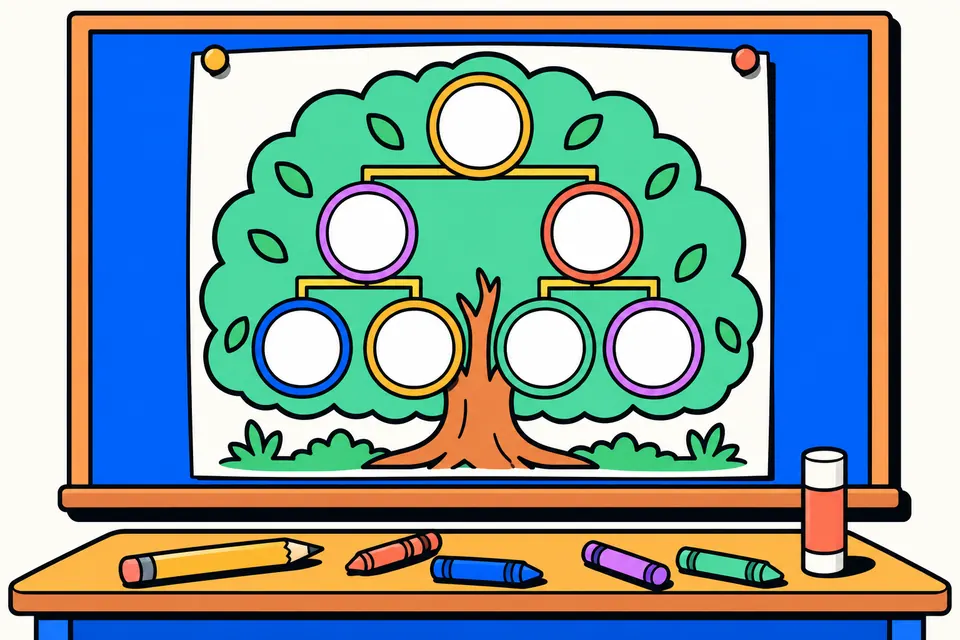
A family tree that draws itself
Most family tree templates leave you to drag boxes and lines around until they line up, and they rarely know what a नाना or a मौसी is. This tool works the other way round. You say who each person is ("Mother of Aarav", "Brother of Suresh", "Wife of Mahesh"), and the chart arranges itself: each generation on its own row, husbands and wives side by side, children under their parents, and the mother's side of the family next to her.
It suits a school family tree project, a keepsake for a grandparent's birthday, a vanshavali for a family function, or simply writing down who is who before the details are forgotten. You can write names in Hindi, English or both, add a photo for each person, and download a picture or a print-ready PDF. Everything happens in your browser; nothing is uploaded.
How to make your family tree
- Pick a starting point. "Me, parents and grandparents" gives seven ready cards, which covers most class 1 to 6 projects. "Start with me" begins with one card. "Vanshavali from the eldest" begins with the oldest ancestor you know.
- Fill in the first name. Type the name, choose male or female, and add the birth year if you know it. Tick "Late (स्वर्गीय)" or add the year of passing for family members who are no longer with you.
- Add relatives. Choose who the new person is related to, tap the relation (father, mother, husband or wife, son, daughter, brother, sister) and type the name. The tool links them correctly: a mother added to a child with a father becomes his wife, and a brother shares both parents.
- Add photos if you like. Choose a photo, drag it inside the circle and zoom until the face fits.
- Name the chart. Add a title such as "शर्मा परिवार वंशावली" or "My Family Tree", and an optional line like "Made by Aarav, Class 4 B".
- Choose a design. Classic, Kids, Green tree, Royal or Ink saver, and the tree chart or the vanshavali list.
- Download. PNG for WhatsApp or a slide, PDF on A4 or A3 for printing, or Print straight away. Tap any card in the preview to edit that person.
Relation names worked out for you
Hindi has a separate word for almost every relative, and getting them right matters to grandparents. The tool works out each person's relation to "Me" from the links you add, so you don't have to type the labels. You can change who "Me" is under "Relations as seen by", which is handy when one sibling makes the chart and another wants a copy from their own side.
| Relation to me | Hindi label | English label |
|---|---|---|
| Father's father / mother | दादा जी / दादी जी | Grandfather / Grandmother |
| Mother's father / mother | नाना जी / नानी जी | Maternal grandfather / grandmother |
| Father's elder / younger brother | ताऊ जी / चाचा जी | Uncle |
| Father's sister and her husband | बुआ जी / फूफा जी | Aunt / Uncle |
| Mother's brother and his wife | मामा जी / मामी जी | Uncle / Aunt |
| Mother's sister and her husband | मौसी जी / मौसा जी | Aunt / Uncle |
| Children of chacha, bua, mama, mausi | चचेरा, फुफेरा, ममेरा, मौसेरा भाई/बहन | Cousin |
| Brother's wife / sister's husband | भाभी / जीजा जी | Sister-in-law / Brother-in-law |
| Son's son / daughter's son | पोता / नाती | Grandson |
For in-laws it also knows ससुर, सास, देवर, जेठ, ननद, साला and साली. To tell ताऊ from चाचा, and जेठ from देवर, it needs birth years, because the word depends on who is older. If a family uses a different word, such as बड़े पापा instead of ताऊ जी or नानू instead of नाना जी, type it in "Relation label on the card" and it replaces the automatic one for that person.
Tree chart or vanshavali list
The tree chart is what schools usually ask for: cards with photos, grandparents at the top and children at the bottom, joined by lines. The vanshavali list is the older written style, kept in many families and by priests at pilgrimage towns: the eldest ancestor first, then each son or daughter indented below with their husband or wife, then their children, and so on. Families joined by marriage, such as the mother's parents and her brothers, appear as a separate block below a dotted line. Long lists run over several pages in the PDF.
Tips for a neat chart
- Use short names on the cards. "Suresh Sharma" reads better than a full name with titles. Put a profession, village or city in the short note, for example "Teacher, Jaipur".
- Add birth years where you can. They keep brothers and sisters in age order and make ताऊ and चाचा come out right.
- Leave a name empty to write it by hand. Empty cards print with a dotted line, which suits a child filling in the chart with a pen.
- Big family? Choose A3. Ten to fifteen people fit well on A4. Beyond that, A3 keeps the names readable.
- Keep a copy. Your browser remembers the names, but clearing it removes them. "Save family file" downloads everything, photos included, in one small file you can open again later.
- Use photos that face the camera. Old passport photos work well. Crop them so the face fills most of the circle.
What this chart is not
A family tree made here is a personal record. It is not an official vanshavali, family register or genealogy certificate. Where one is needed, for example for a property mutation, a succession matter or a caste certificate, it is issued by the tehsil, gram panchayat or municipal office, and the name and the process differ from state to state. Ask that office what it needs; this chart can still help you list the family correctly before you go.
Privacy
Names, dates and photos stay on your device. The page does not send them anywhere, and there is no account to create. If you share the PNG or PDF, remember that it shows the full names and birth years of your family, so share it with the people you mean to.
More family tree pages
Frequently asked questions
How do I make a family tree for a school project?
Tap 'Me, parents and grandparents'. You get seven cards: you, your father and mother, and both sets of grandparents. Type each name, add photos if you like, then add uncles, aunts and cousins with '+ Relative'. Choose the Kids design and download the A4 PDF to print and paste in your notebook or chart.
Can I make the family tree in Hindi?
Yes. Type names in Hindi directly, or switch on 'Type Hindi with English letters' and type ramesh sharma to get रमेश शर्मा. Relation labels such as दादा जी, नानी जी, ताऊ जी, बुआ जी and मामा जी are added automatically, and you can show them in Hindi, English or both.
How does the tool know who is chacha and who is tau?
A father's elder brother is ताऊ and a younger brother is चाचा. The tool compares the birth years you enter, so add birth years for the brothers. Without birth years it uses चाचा, and you can type any label you prefer in the 'Relation label on the card' box.
What is a vanshavali?
A vanshavali (वंशावली) is a record of a family line, usually written from the eldest known ancestor down through sons, daughters and their families. Choose 'Vanshavali from the eldest' to start with the ancestor, and the 'Vanshavali list' layout to get the classic written list instead of a chart.
Is this an official vanshavali or family register?
No. It is a chart for projects, family records and keepsakes. Where an official family register or genealogy certificate is needed, for example for property or caste records, it is issued by the tehsil, gram panchayat or municipal office under your state's rules.
Will my family tree be saved?
Names and details are saved in your own browser, so they are there when you come back on the same device. Photos are not stored by the browser, so tap 'Save family file' to download the whole tree, photos included, and 'Open family file' to continue later or on another device.
Are the photos uploaded anywhere?
No. Photos are cropped and drawn inside your browser. Nothing is sent to a server, and there is no sign-up or watermark.
What size should I print the chart?
A4 suits up to about three generations with a dozen people. For bigger families choose A3 in 'PDF paper'; the PDF picks portrait or landscape to fit the chart. Print at actual size or 'fit to page' on a normal printer.