Shradhanjali Poster Maker
Make a calm, respectful tribute poster with the photo, name, dates, a few lines in Hindi or English and the family's name. Share it on WhatsApp or print it, with no sign-up and no watermark.
- 100% free
- No sign-up
- Runs in your browser
- Updated October 2026
1Photo
2Words
Sets the ready lines and labels. You can type in Hindi, English or any mix.
3Design
Template4Preview and download
Showing a sample. Fill in the details to make your poster.
Nothing is uploaded. No watermark. For print, choose A4 or A5 and print the PDF at actual size.
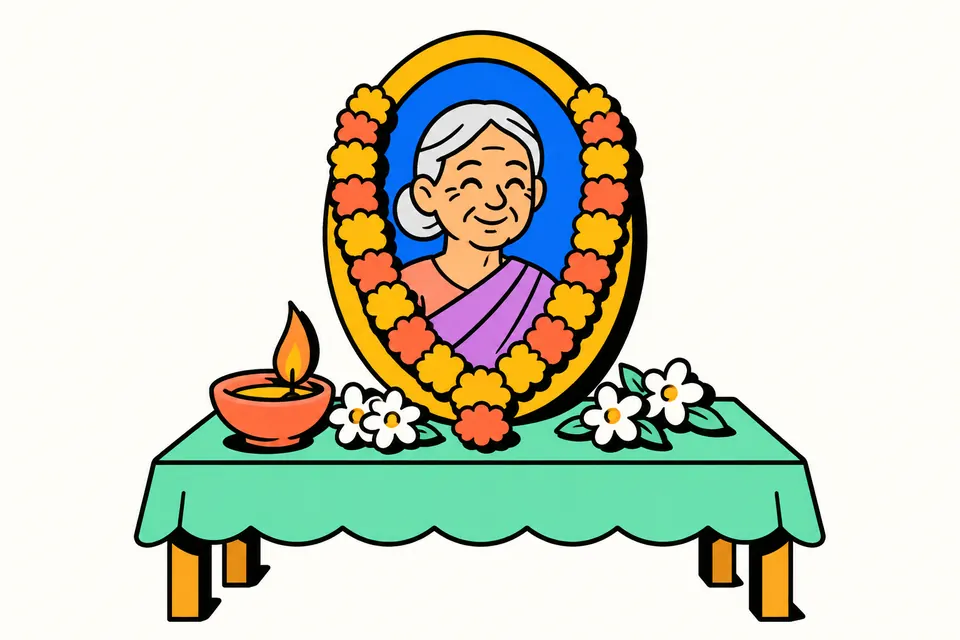
A simple, dignified way to share the news
When someone in the family passes away, relatives, neighbours and colleagues need to be told, and the prayer meeting has to be announced. Today that usually means a shradhanjali poster shared in WhatsApp groups and, often, a printed copy kept beside the photo at the prayer meeting. Making one should not mean wrestling with a design app, paying for a template or putting up with a watermark at a time like this.
This tool makes a calm, respectful poster in a few minutes: the photo with a flower garland, the name, the dates of birth and passing, a short line of tribute and the family's name. It works in Hindi and English, on a phone or a computer, and nothing is uploaded.
How to make the poster
- Add the photo. Choose a clear photo. Drag it in the small crop box and use Zoom so the face sits in the middle. "Black and white photo" gives a classic look if the photo is old or the colours are uneven. You can also make the poster without a photo.
- Choose the language. Hindi is selected by default. Switching to English changes the ready lines and labels; anything you typed yourself stays as it is.
- Fill in the words. Pick a heading, such as भावपूर्ण श्रद्धांजलि or In Loving Memory, type the name (for example "स्व. श्री …" or "Late Shri …"), an optional line under the name such as पूज्य पिताजी or a profession, and the two dates. Tap one of the ready lines for the message, or write your own.
- Add the family line. Choose a label such as शोकाकुल परिवार or Deeply missed by, and type the family names.
- Add the prayer meeting (optional). Turn it on to show a title, date and time, and place in a box at the bottom.
- Pick the design and size. Choose one of seven templates, the font, and the size: square for WhatsApp, 1080 × 1920 for a status, or A4/A5 for print. Garland, diyas and corner flowers can each be switched on or off.
- Download. PNG or JPG for sharing, PDF for printing, or Print to send it straight to a printer.
The templates
| Template | Look | Good for |
|---|---|---|
| Ivory | Cream with a thin gold double border, oval photo | Most occasions; prints well |
| Charcoal | Dark grey, white jasmine-style garland, gold heading | WhatsApp and status |
| Blush | Soft rose with a faint lotus outline | A gentle tribute to a mother or grandmother |
| Slate | Cool blue-grey, photo on a white mat | Office and community notices |
| Ribbon | Plain white, black mourning ribbon on the photo corner | A simple, modern style |
| Sandal | Sandalwood tone, arched photo, corner arcs | Traditional printed posters |
| Maroon | Deep maroon with gold text | Death anniversary posters |
No template adds a religious image on its own. The garland is a common sign of respect across communities, and the optional top line (ॐ, ॥ ॐ शांति ॥ or anything you type), diyas and flowers let each family follow its own customs.
Writing the words
Keep it short. A poster is read in a few seconds on a phone, so a heading, the name, the dates and one or two lines are enough. A few things families often check:
- The name. Write it the way relatives know the person, with the usual respectful form: स्व. (late) or श्री / श्रीमती in Hindi, "Late" or "Shri / Smt." in English.
- The dates. Double-check the dates of birth and passing. "Year only" is useful when the exact birth date is not known.
- The relation line. A line like पूज्य माताजी, "Retired Headmaster" or "Our beloved grandfather" helps people who knew the person through only one part of their life.
- The prayer meeting. Write the day, date and time in full, for example रविवार, 19 अक्टूबर 2026, दोपहर 3 से 4 बजे, and a place people can find.
Hindi text that looks right everywhere
Many poster apps break Hindi: matras float, conjuncts like श्र and द्ध split apart, or the text turns into boxes on some phones. This tool loads Noto Serif and Noto Sans Devanagari (free fonts under the SIL Open Font License) when you start, and draws the poster with them, so the Hindi in the PNG, JPG and PDF matches the preview on every device.
Sharing it with care
Before you post the poster, ask one or two close family members to read it: a wrong date or a misspelt name is hard to take back once it has been forwarded. Post it first in the main family group and let others forward it from there, so everyone sees the same version. If plans for the prayer meeting change, edit the details box, download again and send the new image with a short note that the timing has changed. Sending the poster as an image rather than a document keeps it readable on every phone; on WhatsApp, the square and status sizes show in full without anyone needing to zoom.
Printing
For a printed poster, choose A4 or A5 and download the PDF. It is made at 200 DPI, which prints sharply on an office printer or at a print shop. Print at "Actual size" or 100%. For a larger flex banner, ask the print shop for their size and send them the PNG of the A4 poster, which they can scale.
Your photo and details stay on your device. The words you type are saved in your browser so you can return to the poster later; the photo is not saved.
Related poster pages
Frequently asked questions
How do I make a shradhanjali poster on my phone?
Open this page on your phone, add the photo, type the name and dates, and pick a heading and a line from the ready options or write your own. Choose a template and size, then tap Download PNG or JPG to share on WhatsApp, or PDF to print.
Can I write the poster in Hindi?
Yes. The poster is in Hindi by default, with ready headings like भावपूर्ण श्रद्धांजलि and short lines you can tap to use. The Hindi font is built into the tool, so the text looks the same on every phone and in the PNG, JPG and PDF.
Which size should I choose for WhatsApp?
Square 1080 × 1080 shows fully in chats and family groups. For a WhatsApp status choose 1080 × 1920, and for a printed poster at a prayer meeting choose A4 or A5 and download the PDF.
Can I add the prayer meeting or uthavna details?
Yes. Turn on 'Add prayer meeting details' and add a title such as श्रद्धांजलि सभा, उठावना or Prayer Meeting, the date and time, and the place. They appear in a box at the bottom of the poster.
Are religious symbols added automatically?
No. The templates use a flower garland and plain colours. A top line like ॐ, diyas and corner flowers are optional, so each family can choose what suits its customs.
Is the photo uploaded or stored anywhere?
No. The poster is drawn inside your browser. The photo is not uploaded and is gone when you close the page; only the text you type is saved on your own device so you can come back to it.
Is there a watermark on the poster?
No. Every download, PNG, JPG and PDF, is free and has no watermark or logo.