By the MuftTools.in teamUpdated October 2026How we checkSources: Google: Tips for image generation and editing in the Gemini app (26 Aug 2025), Gemini Apps Help: Generate & edit images with Gemini Apps, Drik Panchang: Karwa Chauth 2026 date, Hindutone: Diwali 2026, the 5-day festival guide
Quick answer
MuftTools.in's couple photo prompts are ready-written prompts for turning a photo of two people into a festive portrait, a pre-wedding style shoot, an anniversary scene or a candid moment in ChatGPT or Gemini. Copy a prompt, attach your photo together (or one photo of each of you), paste and send. Both people should agree to the upload.
- Groups
- Festival couple, wedding and anniversary, everyday moments, art and retro
- Photos
- One photo together gives the most natural result; two separate photos also work
- Works with
- ChatGPT, Gemini and other AI apps that edit an attached photo
- Consent
- Both people should agree; adults only
- Your photos
- Go only to the AI app you choose, never to MuftTools
- Price
- Free to copy, no sign-up
Couple photo prompts, ready to copy
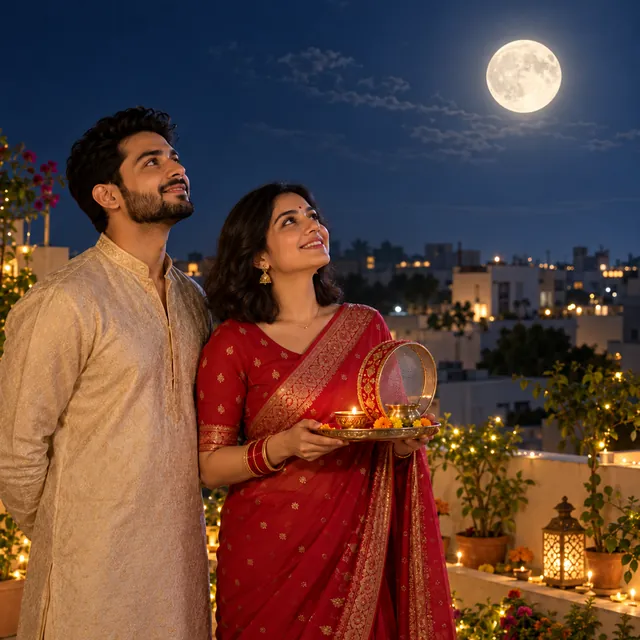
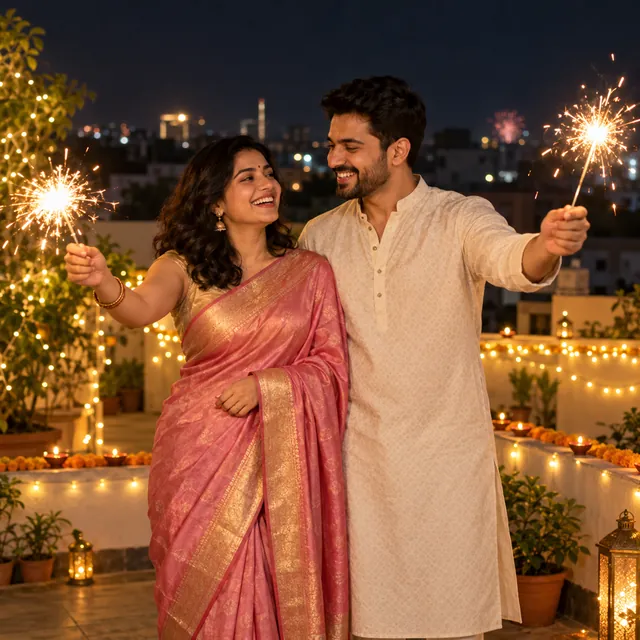
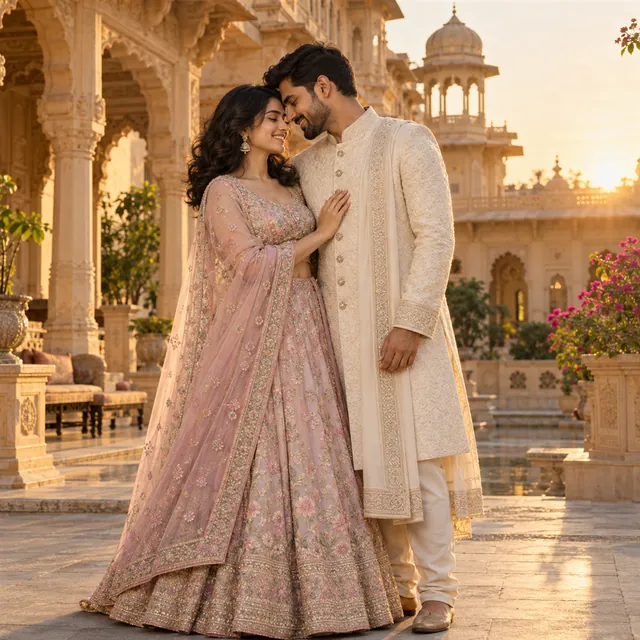
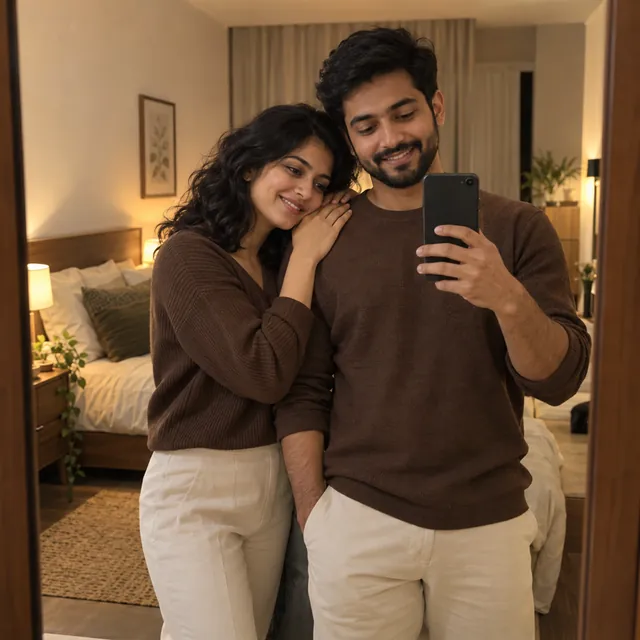
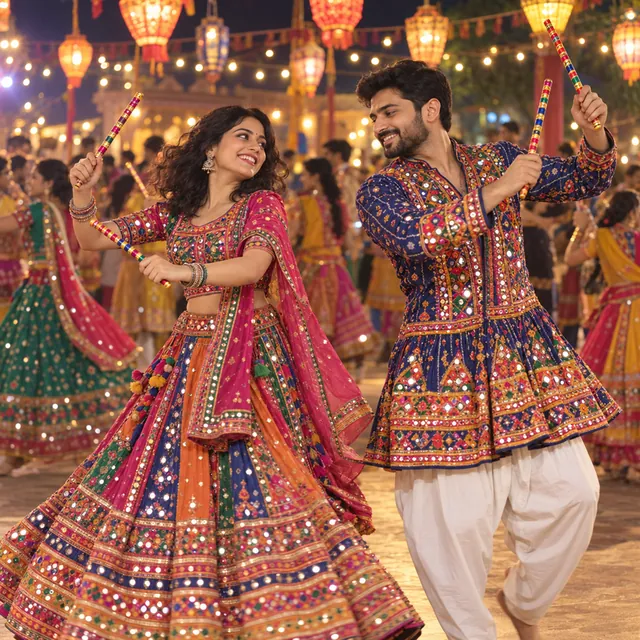
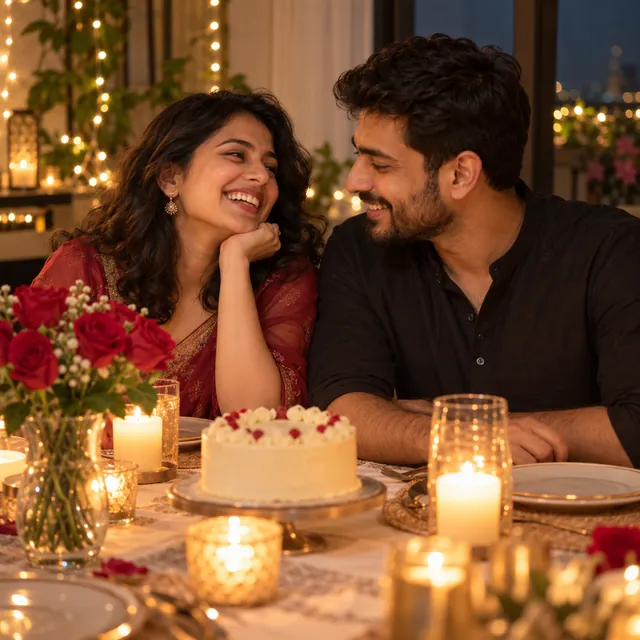
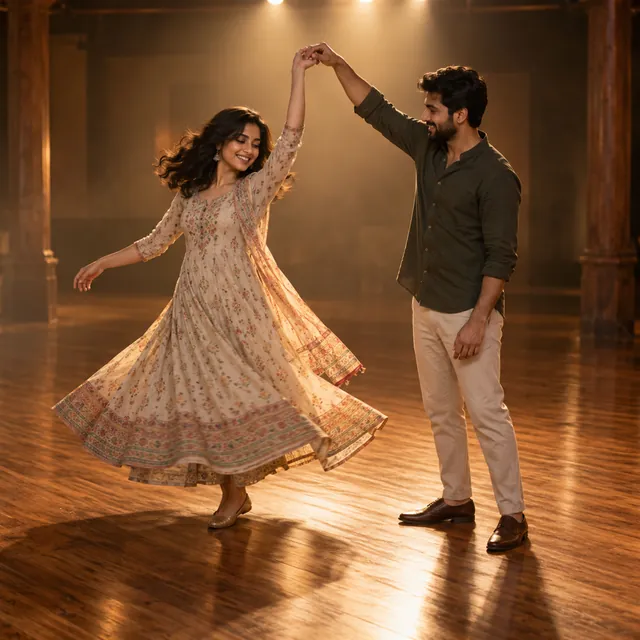
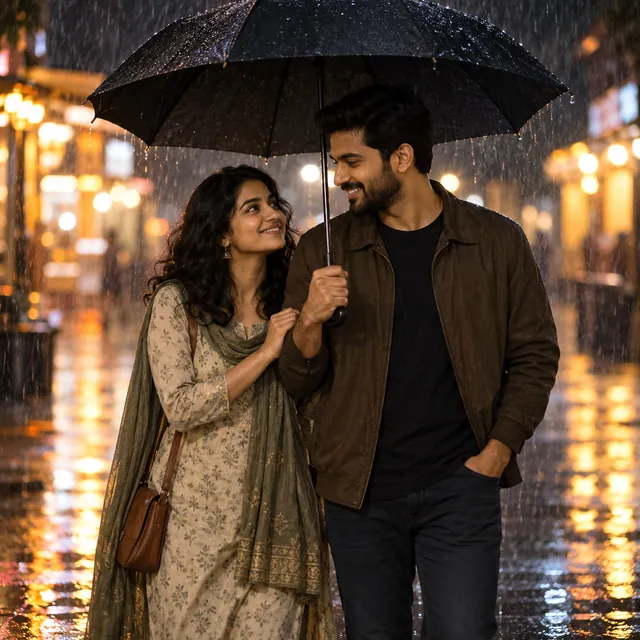
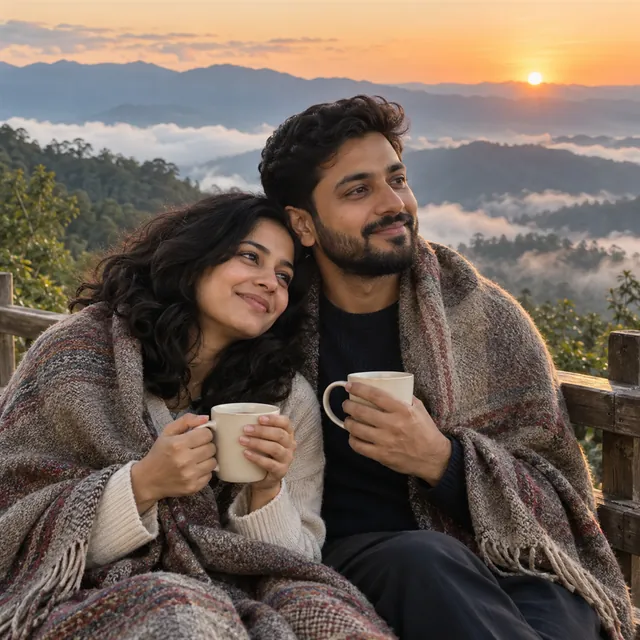
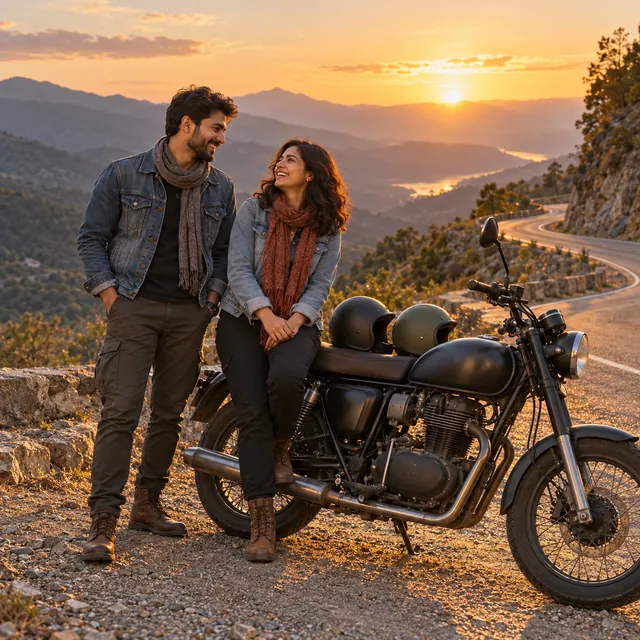
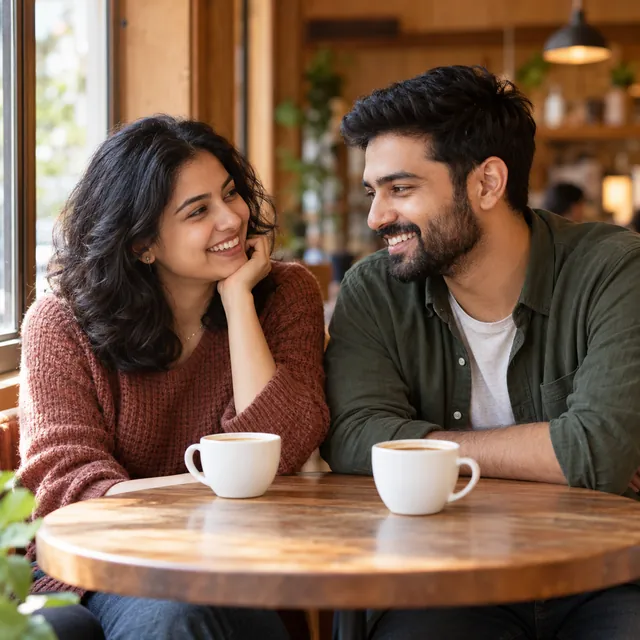
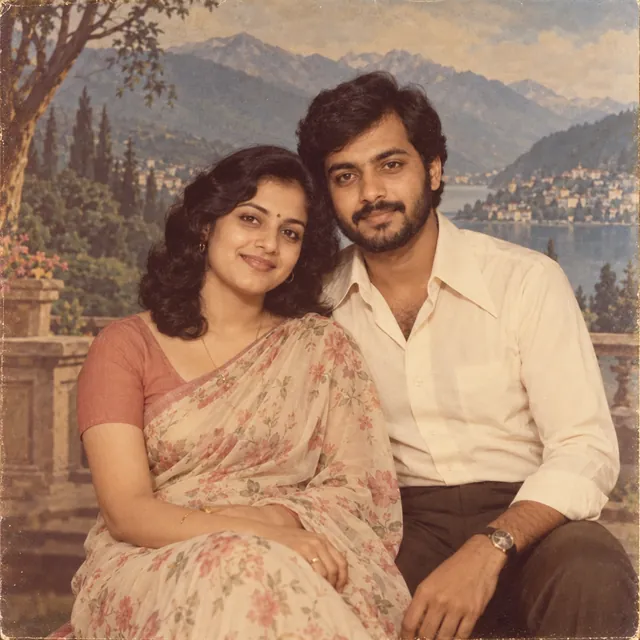
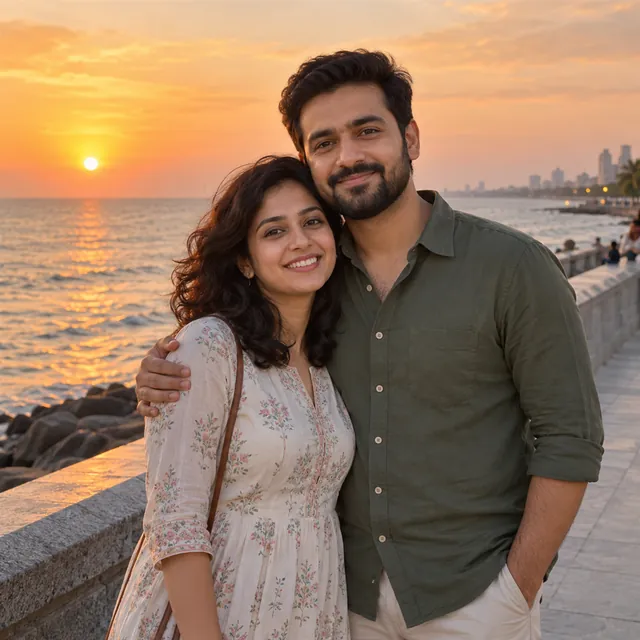
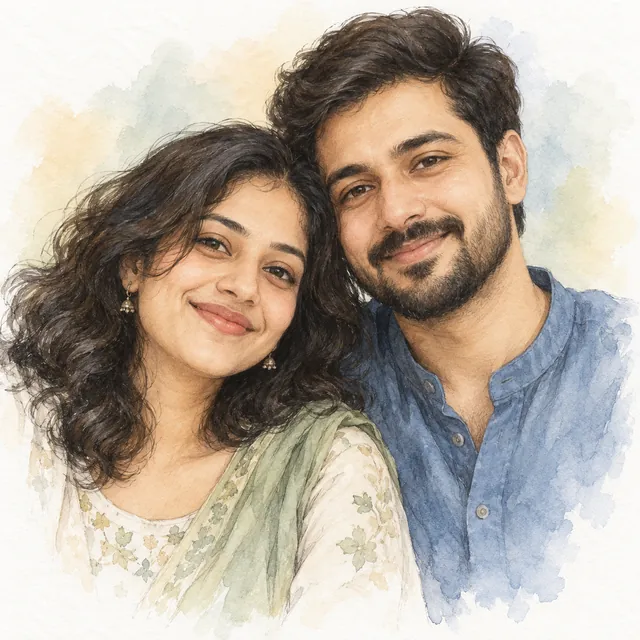
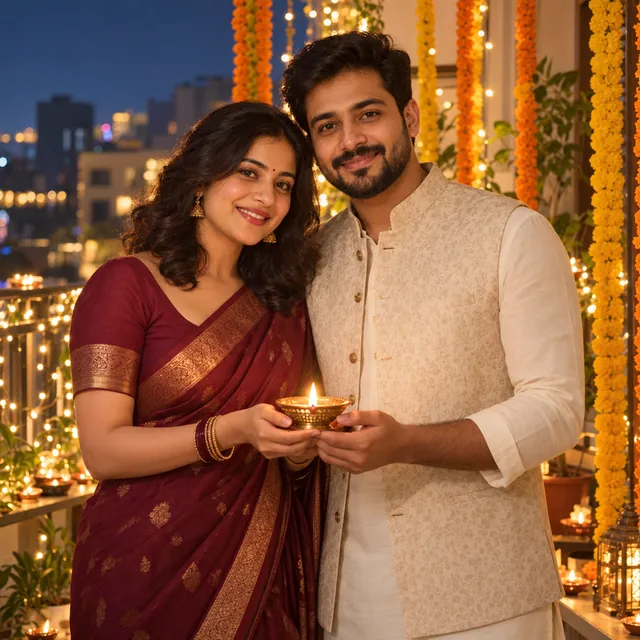
These prompts turn a photo of the two of you into a festive portrait, a pre-wedding style shoot, an anniversary dinner or a simple candid moment. Each card shows a sample image made with a fictional couple, a short description and the full prompt to paste into ChatGPT or Gemini along with your own photo.
They are grouped into festival couple prompts (Diwali, Karwa Chauth and garba nights), wedding and anniversary prompts, everyday moments such as a café date or a monsoon walk, and art and retro looks such as a 1970s studio portrait or a pencil-and-watercolour sketch for a gift.
One photo or two?
One photo of you together gives the most natural result. The AI can see how you stand, your real heights and how the light falls on both faces, so it has less to invent. Most prompts here are written for this.
Two separate photos work when you have no photo together, for example in a long-distance relationship. Google's Gemini image tips mention uploading more than one image and asking for them to be combined. Use the "Two photos into one" prompt, and give it good photos:
- Pick two photos taken from a similar distance and angle, ideally both waist-up and facing the camera.
- Choose photos with similar light, such as both in daylight. One bright and one dim photo is hard to blend.
- Mention your real heights in the prompt if they differ a lot, for example "one of us is about a head taller".
- If the result looks pasted together, reply with "match the light and colour on both people so it looks like one photo".
Keeping both faces recognisable
Two faces in one picture is harder for the AI than one, and it may change one face more than the other. Every prompt asks it to keep both faces, skin tones and hairstyles as they are, but it is still a try, not a promise. These habits help:
- Use a photo where both faces are clear, similar in size and not turned away.
- Avoid sunglasses, heavy shadows or hair across the face.
- If only one face changed, say which: "keep the woman's face exactly as in the photo" or "the man on the left".
- Change one thing per follow-up message, such as the outfits first and the background next.
Changing outfits and setting
Most prompts suggest outfits, such as a maroon silk saree with a cream kurta and Nehru jacket, or a pastel lehenga with an ivory sherwani. Change these freely to match what you actually wear, your community's traditions or your colour plans. The same goes for the setting: swap the palace courtyard for a beach, or the balcony for your own terrace. Keep the opening line about keeping your faces, and keep the "avoid" line at the end.
Festival timing
Couple prompts are searched most in the days around festivals. Karwa Chauth fell on 29 October 2026 according to Drik Panchang, and Diwali (Lakshmi Puja) is on 8 November 2026. Make your image a day or two early, so you have time to try again if the first result is not right. For more festival and wedding-function prompts, including haldi, mehendi and sangeet, see our saree and festival prompts.
Consent and respect
- Both people should agree. A couple photo shows two people, so ask your partner before you upload a photo of them, and before you share the result.
- Only adults. These prompts are for couples. Do not use them with photos of anyone under 18.
- Keep it respectful. The prompts are written to be warm and family-friendly. AI apps refuse or remove some content under their own rules.
- Do not fake a real event. Do not present an AI image as a real photo, for example to claim a wedding or a trip that did not happen, and never make couple images of people who are not a couple.
Gifts and printing
The sketch and retro prompts make simple gifts for an anniversary or a wedding. For printing, ask for the largest size the app allows, and check the face and hands closely before you print. If you need a specific size in pixels or KB to share or upload, the photo resizer on this site can set it in your browser.
Your photos go only to the AI app you choose, never to MuftTools.in. To build your own couple prompt from scratch, use the AI photo prompt generator and choose Couple. MuftTools.in is not affiliated with OpenAI or Google.
 Trending