By the MuftTools.in teamUpdated October 2026How we checkSources: Gemini Apps Help: Generate & edit images with Gemini Apps, Google: Tips for image generation and editing in the Gemini app (26 Aug 2025), OpenAI Help: Images in ChatGPT
Quick answer
ChatGPT image codes are short style words such as /packshot, /blueprint or /claymation that people type with a photo. They are not official commands: ChatGPT and Gemini read the word as a style hint, so results vary. MuftTools.in pairs each code with a full prompt that spells out the style, light, background and size, for steadier results.
- What you get
- A code, its other spellings, a one-line meaning and a full prompt
- Groups
- Product, ads, art styles, 3D, lighting and camera, portrait fixes, retro, rooms and food, Indian festive
- Official commands?
- No; the AI reads the code as a style hint
- Works with
- ChatGPT, Gemini and other AI apps that edit an attached photo
- Sample images
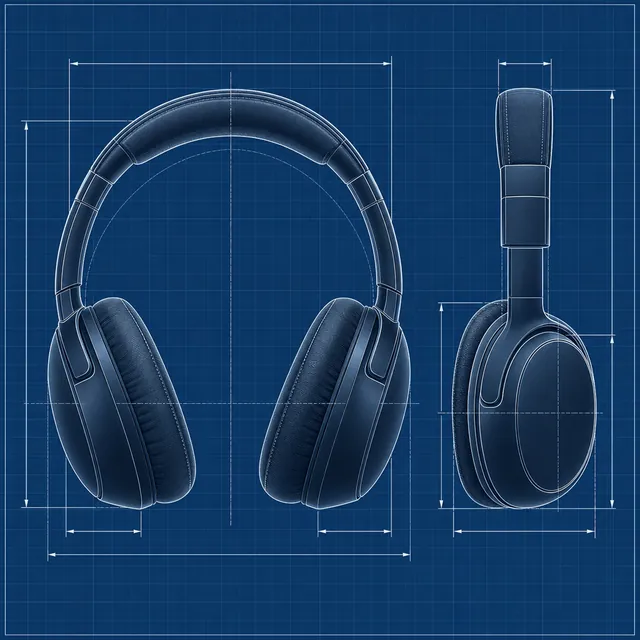
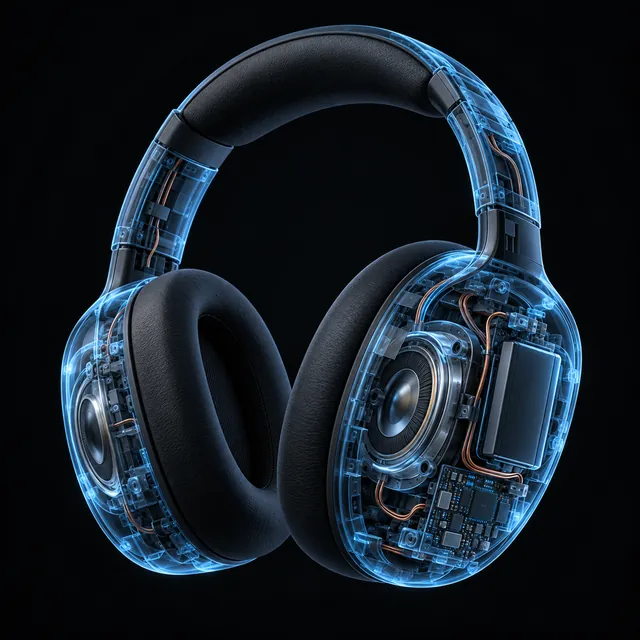
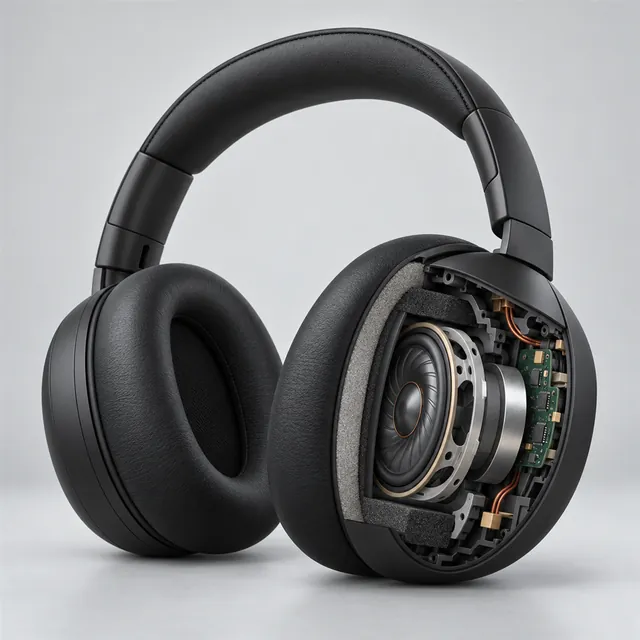
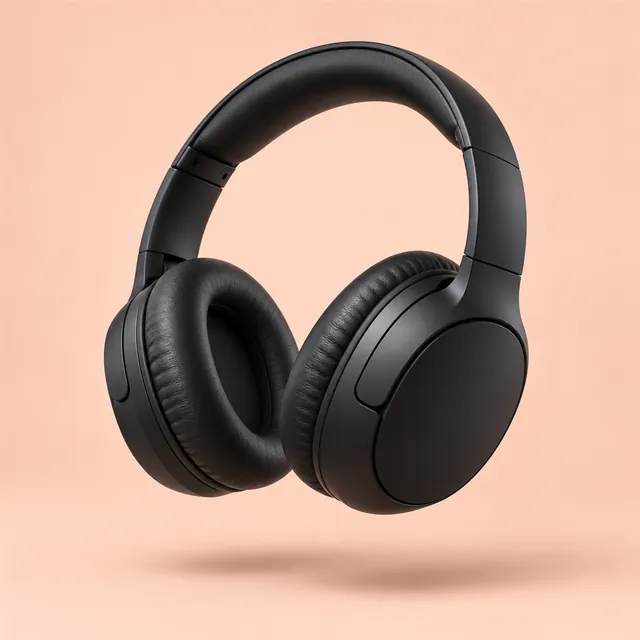
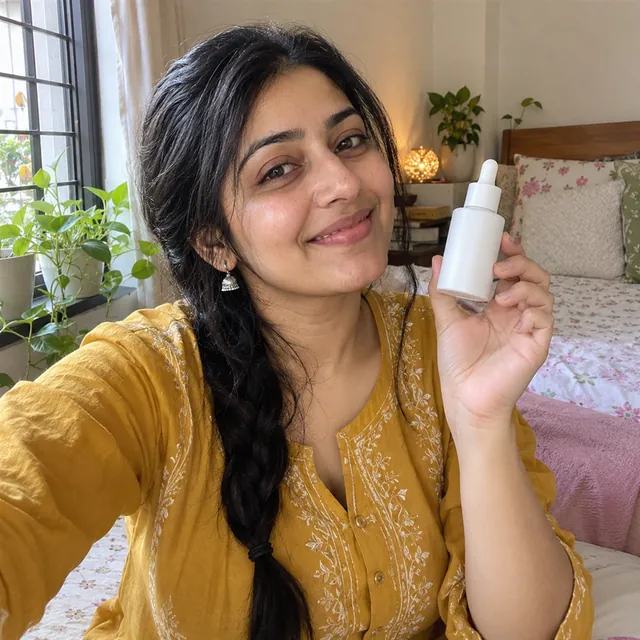
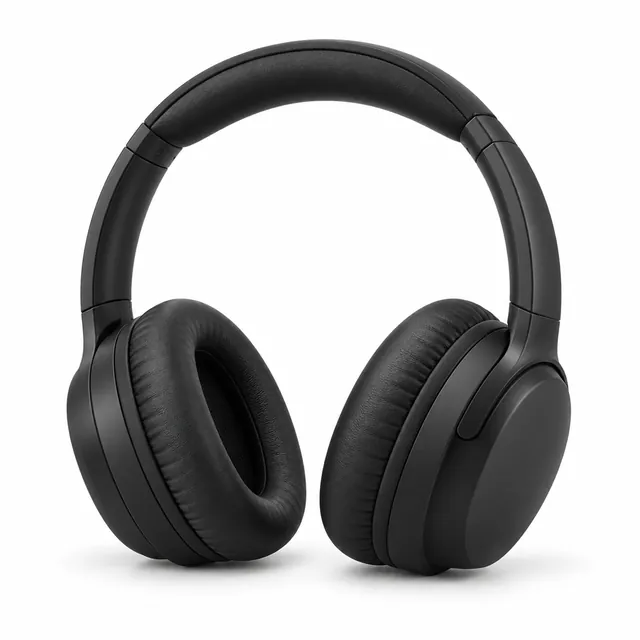
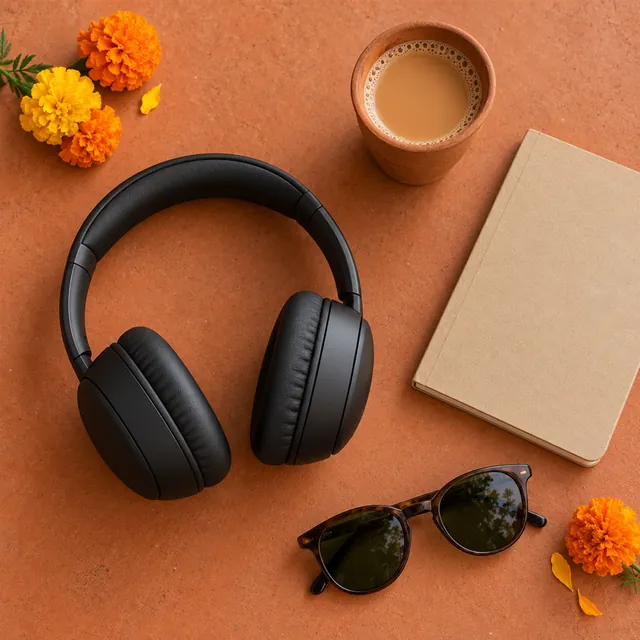
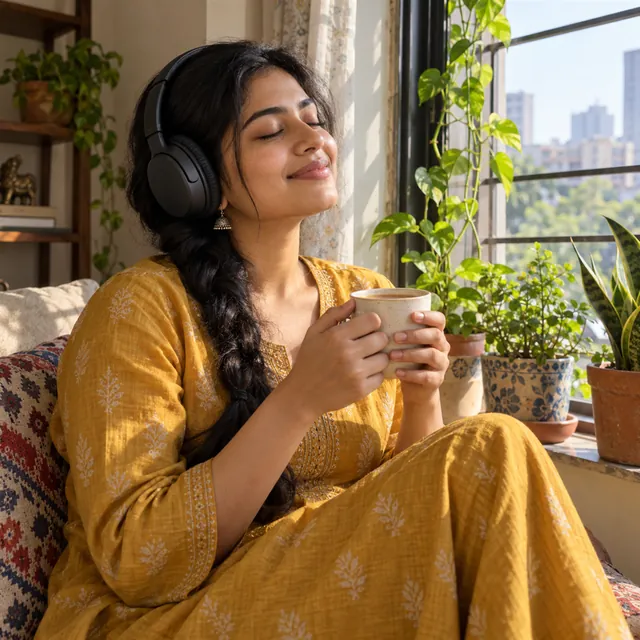
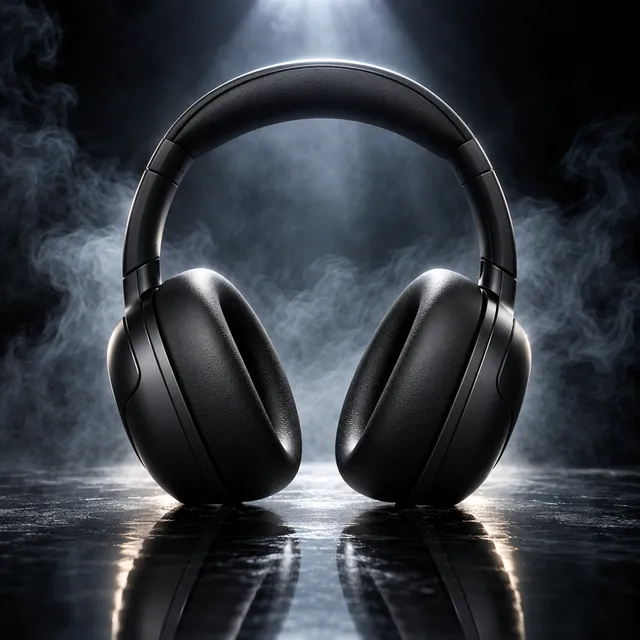
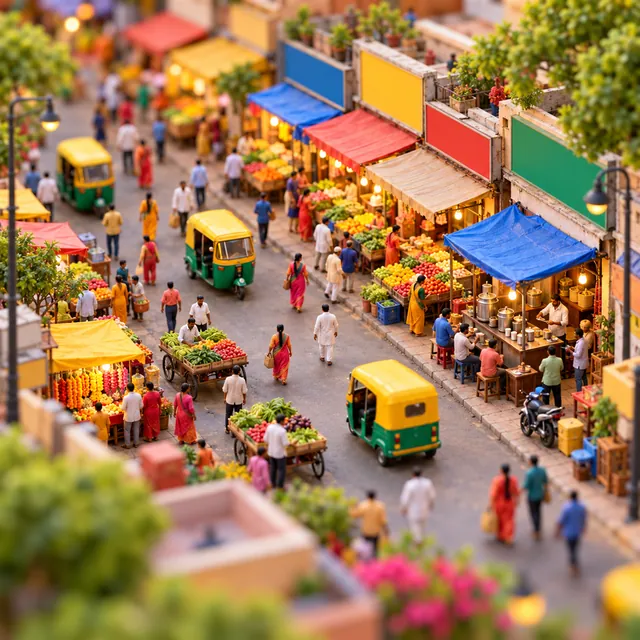
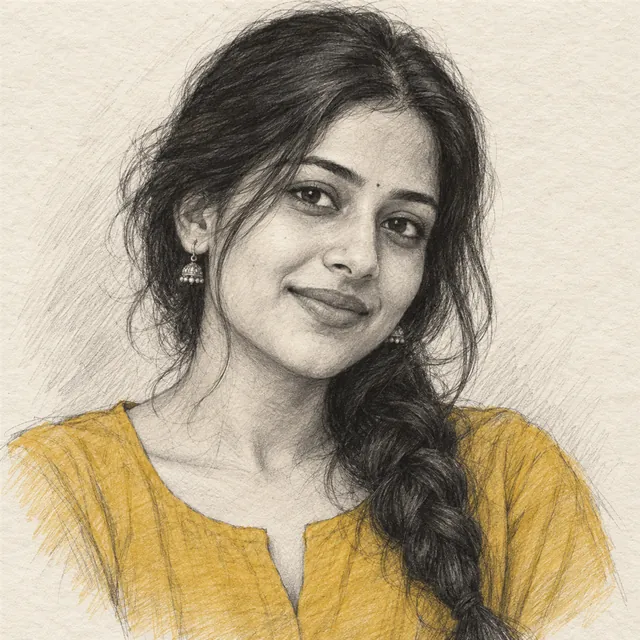
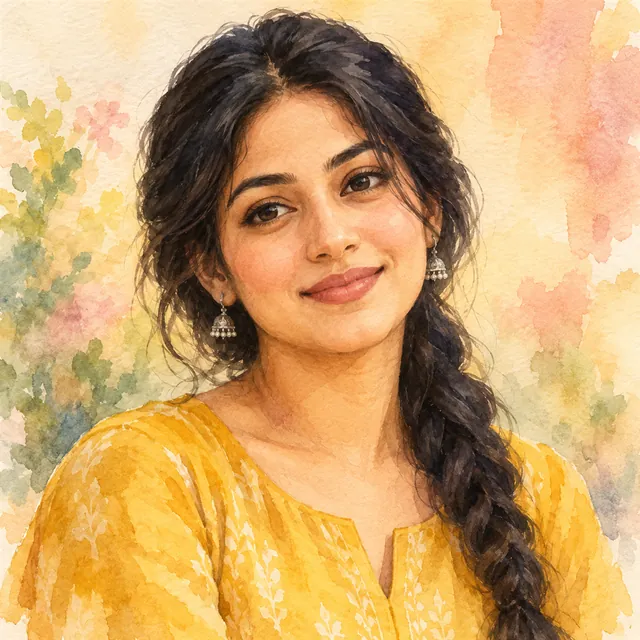
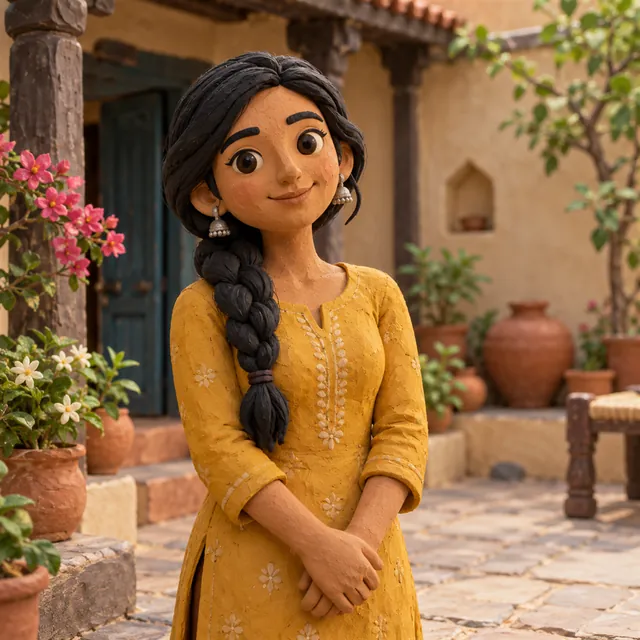
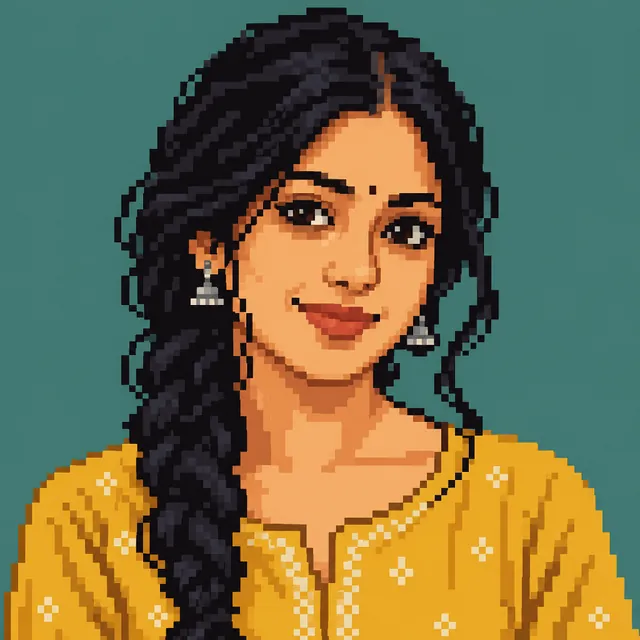
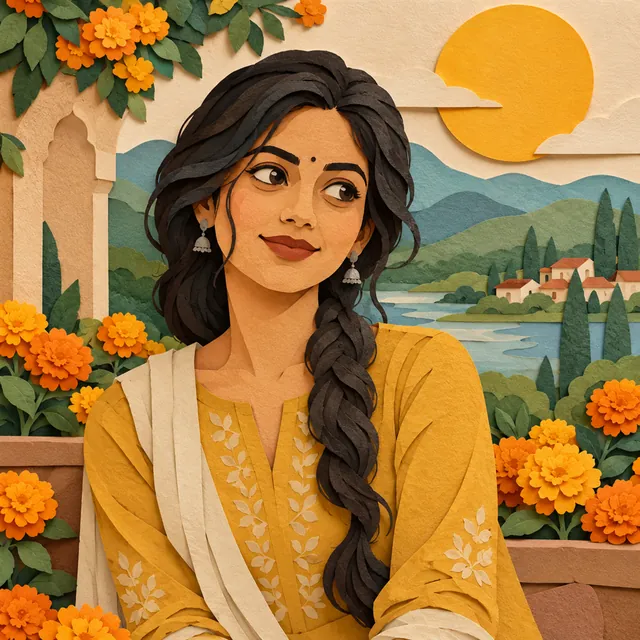
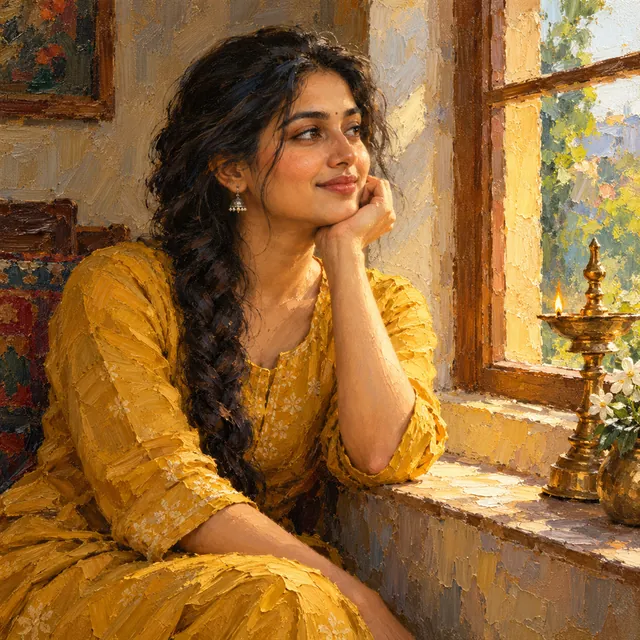
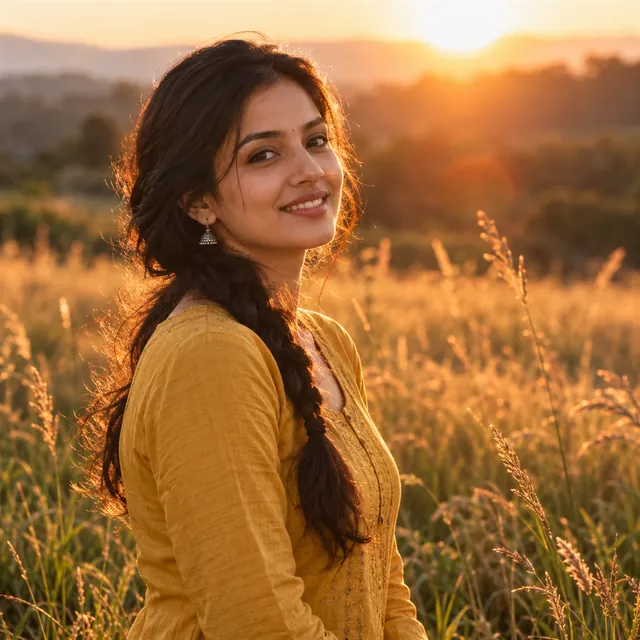
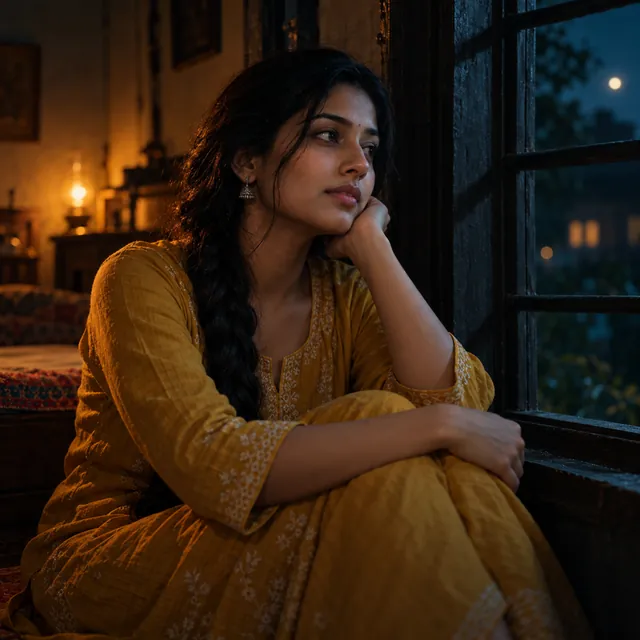
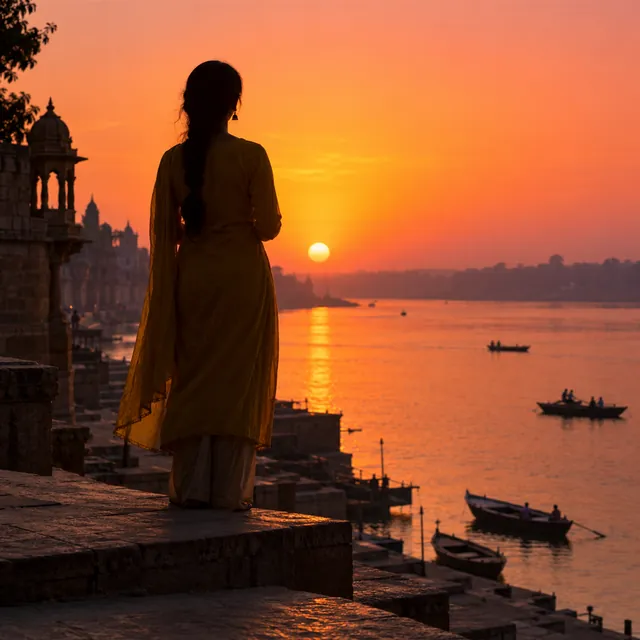
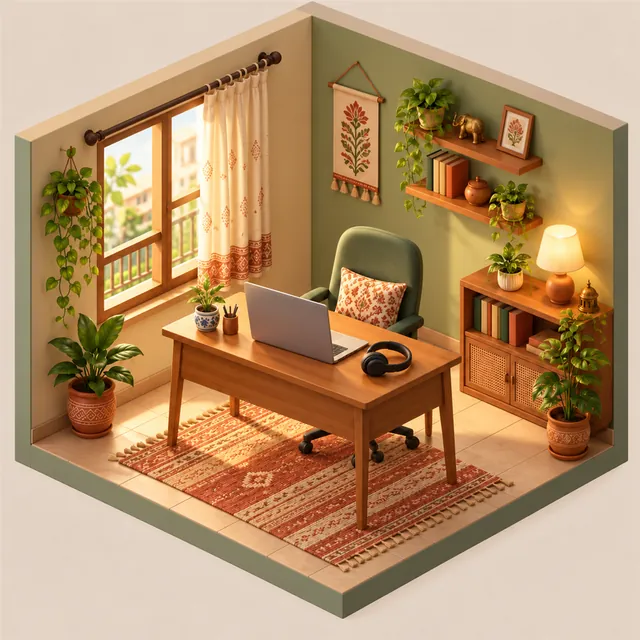
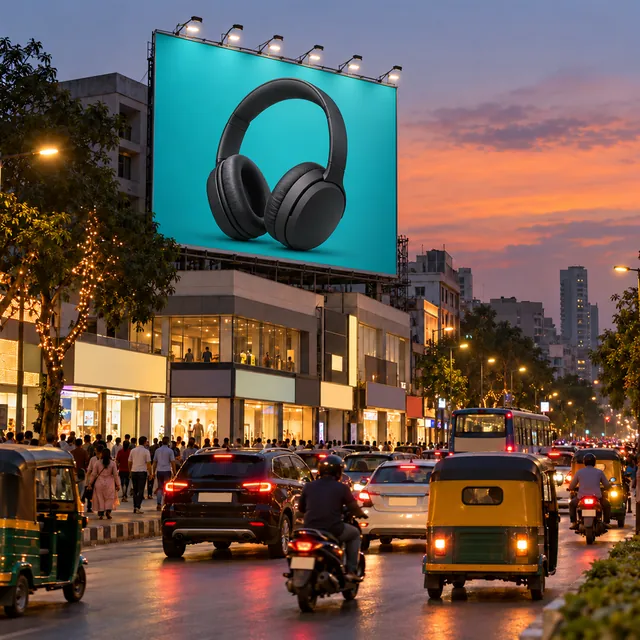
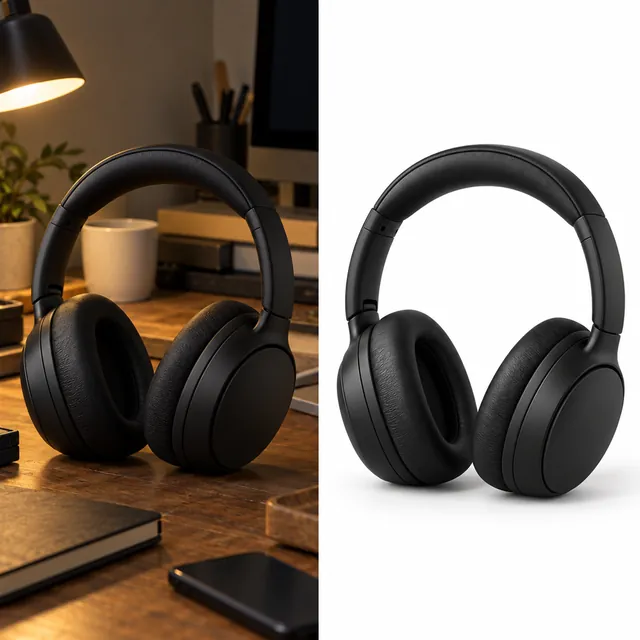
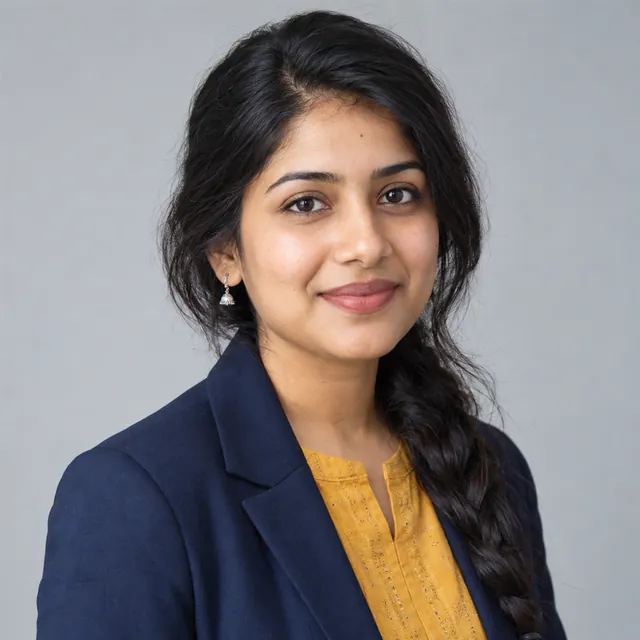
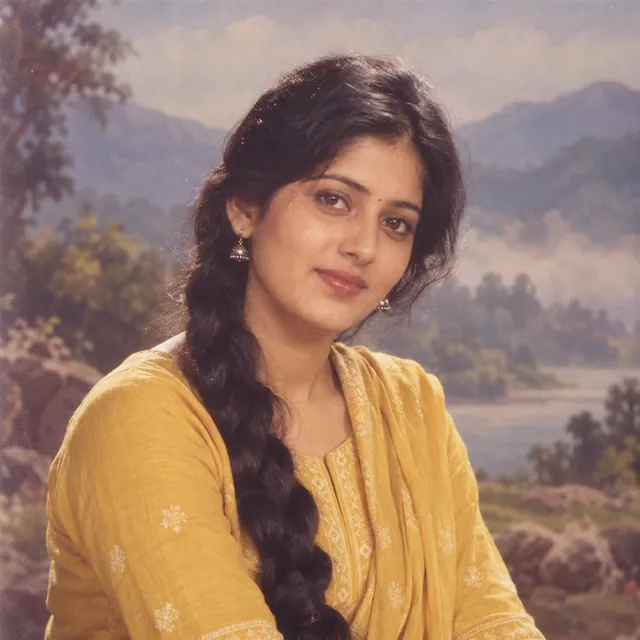
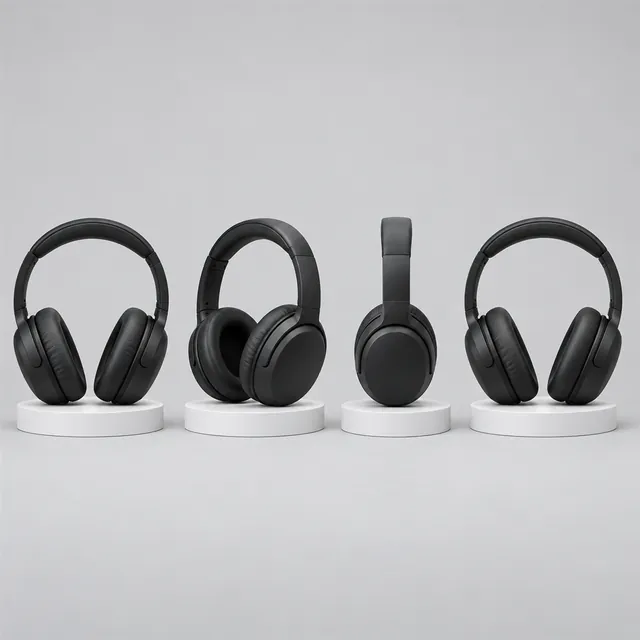
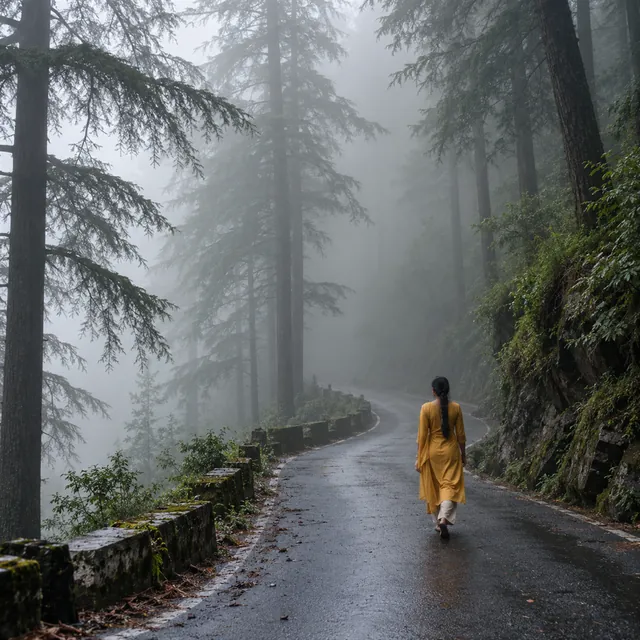
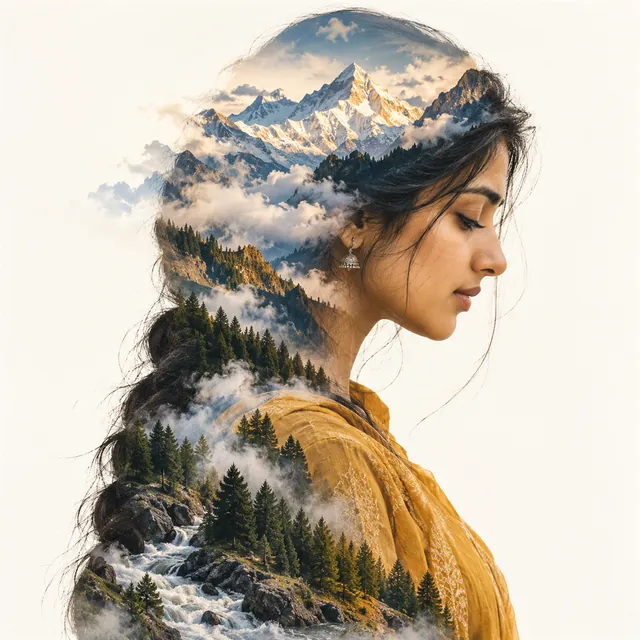
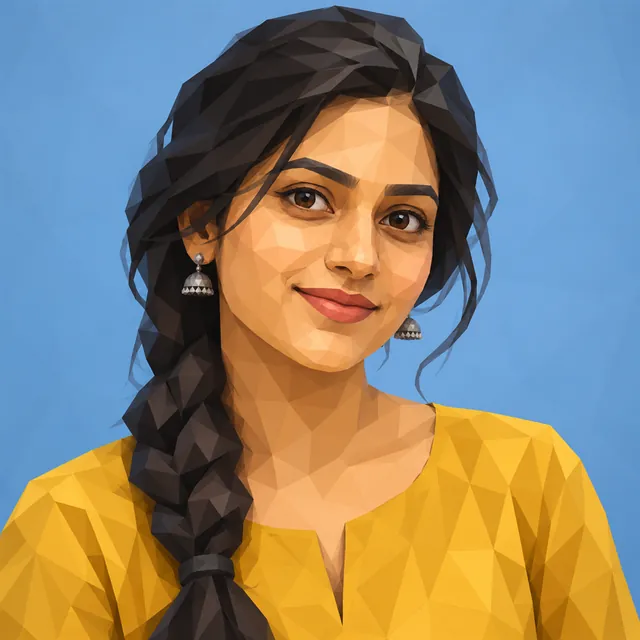
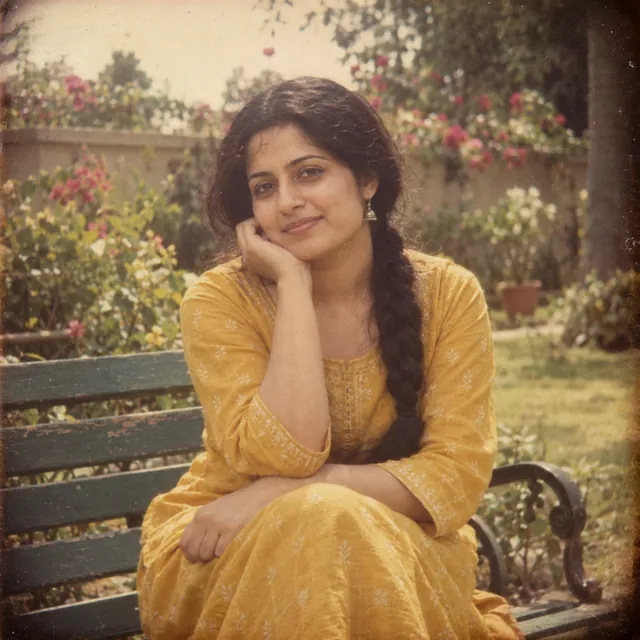
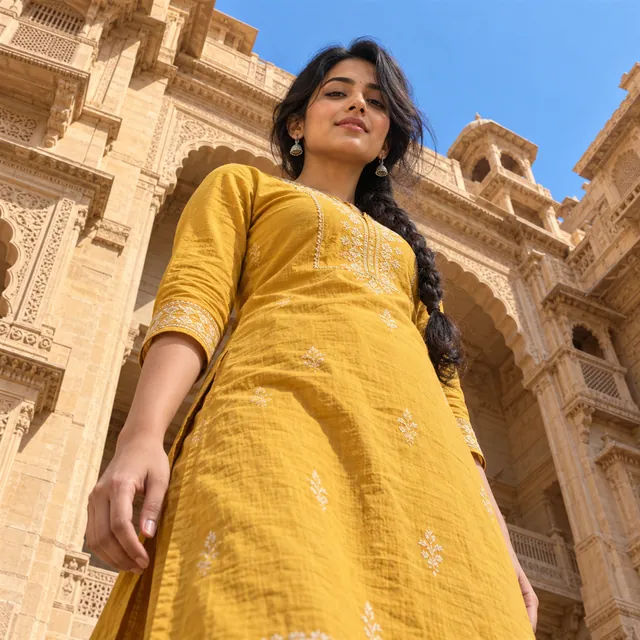
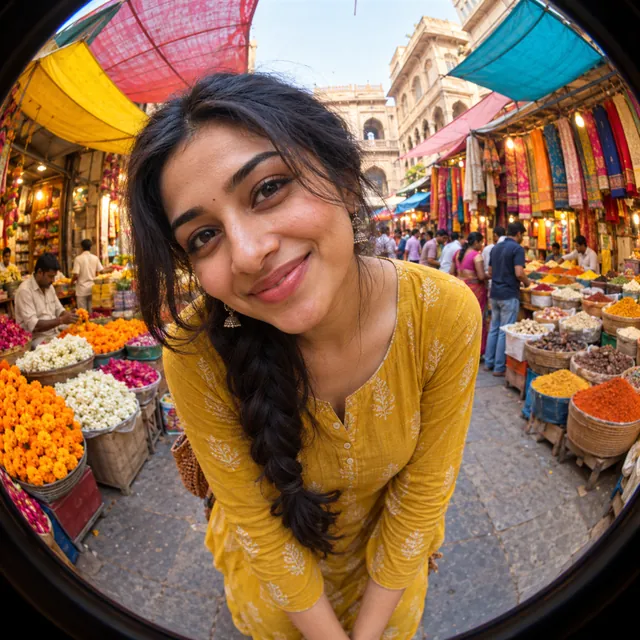
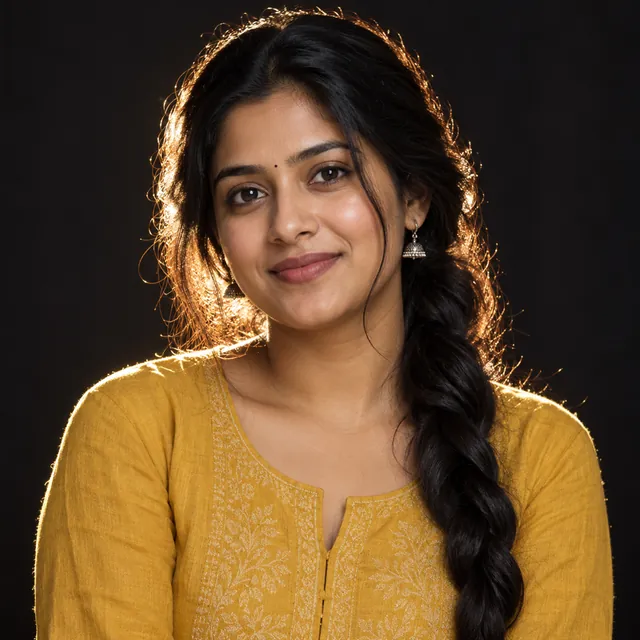
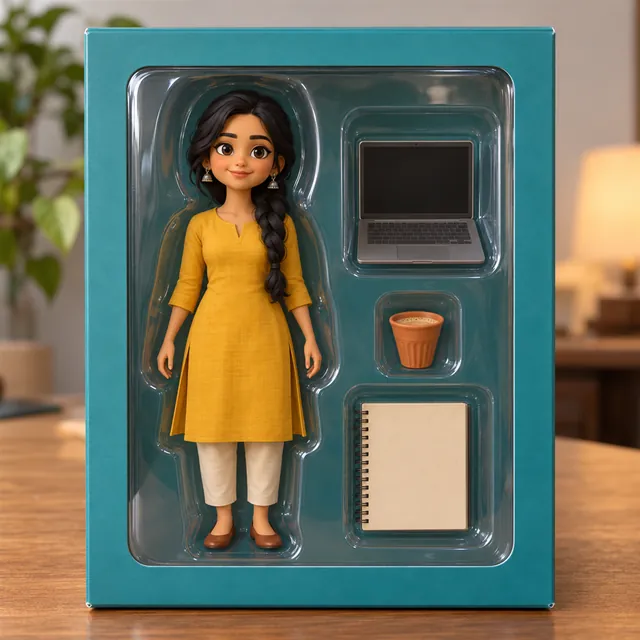
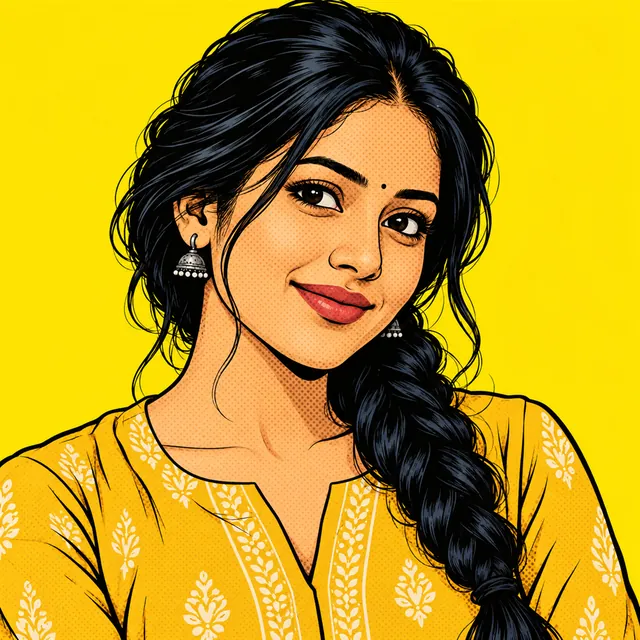
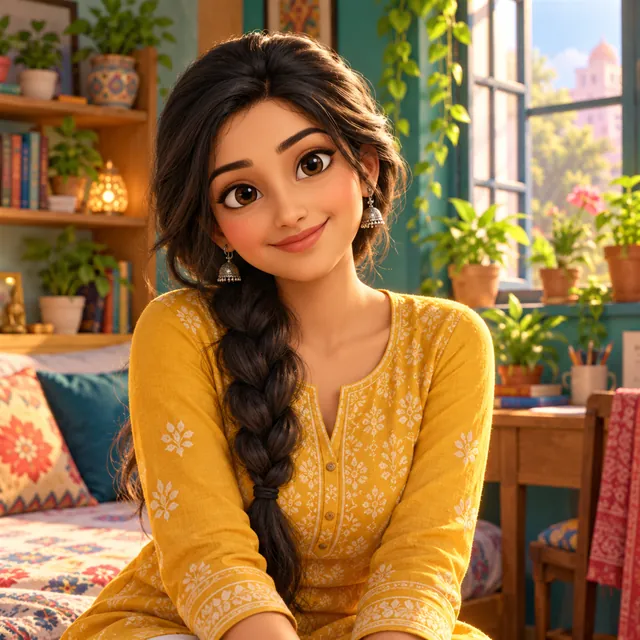
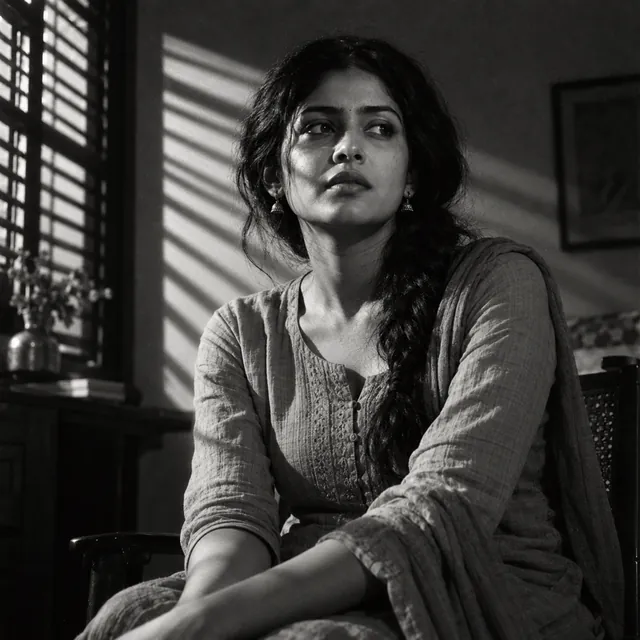
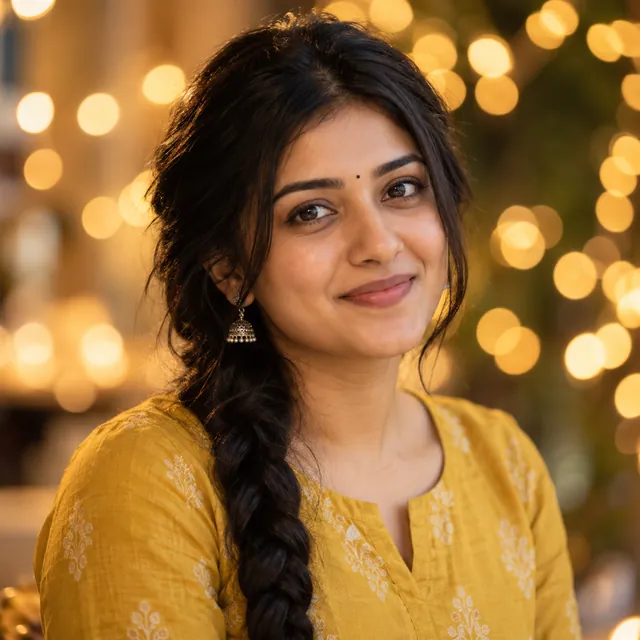
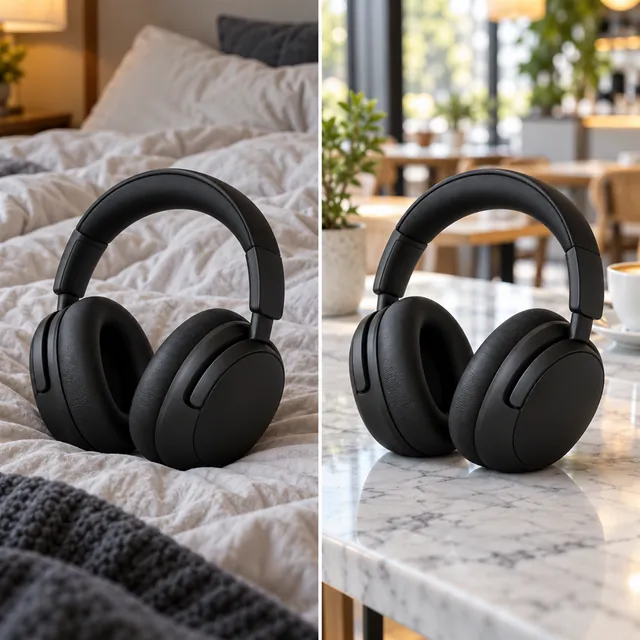
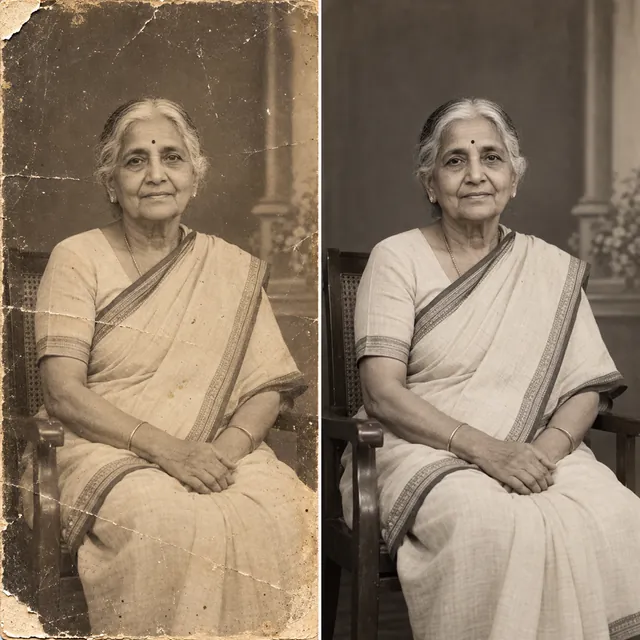
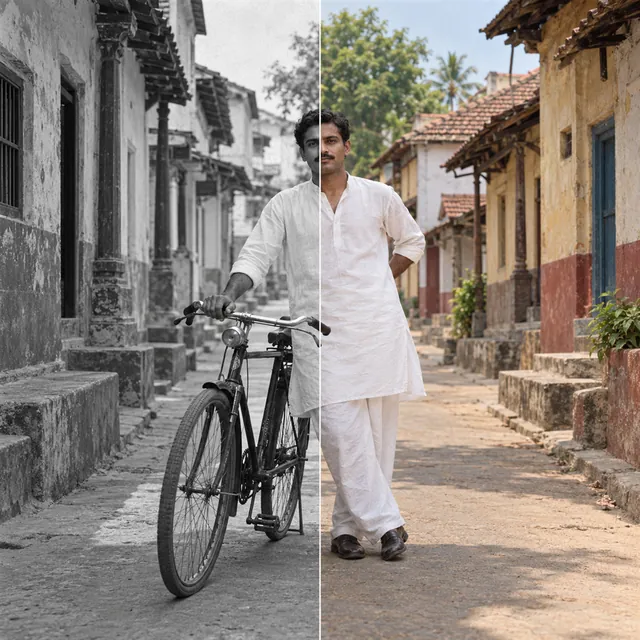
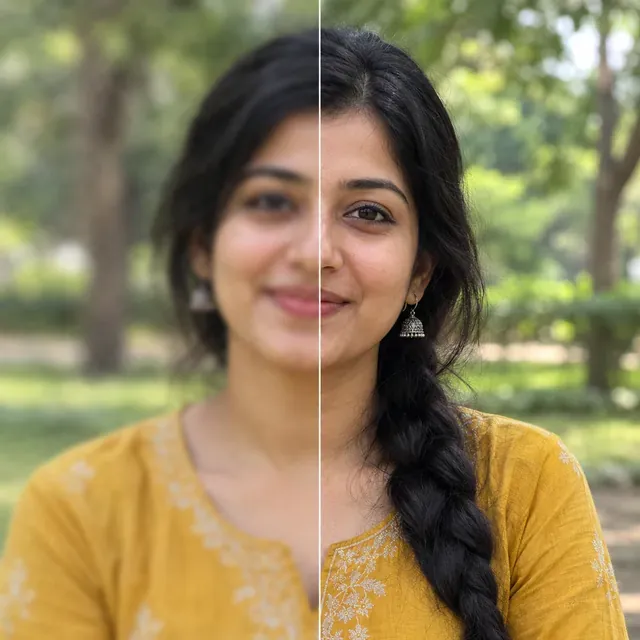
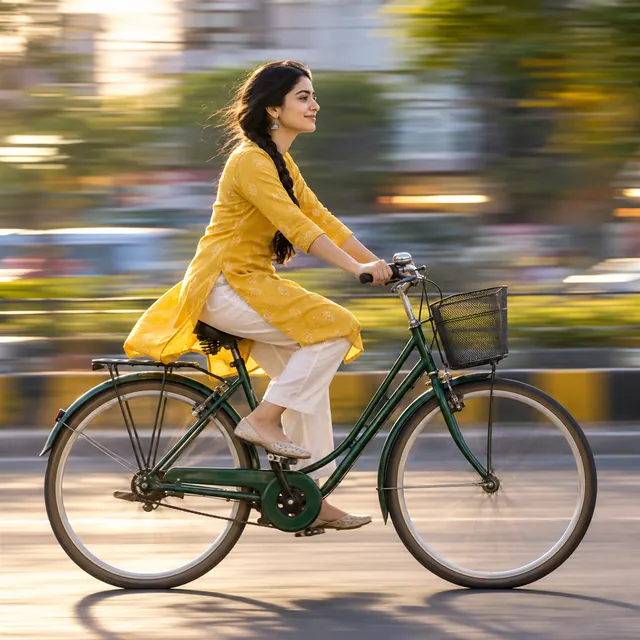
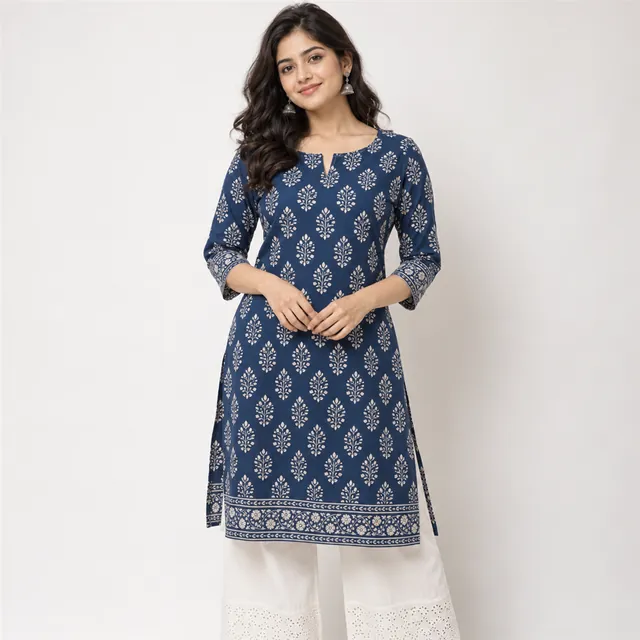
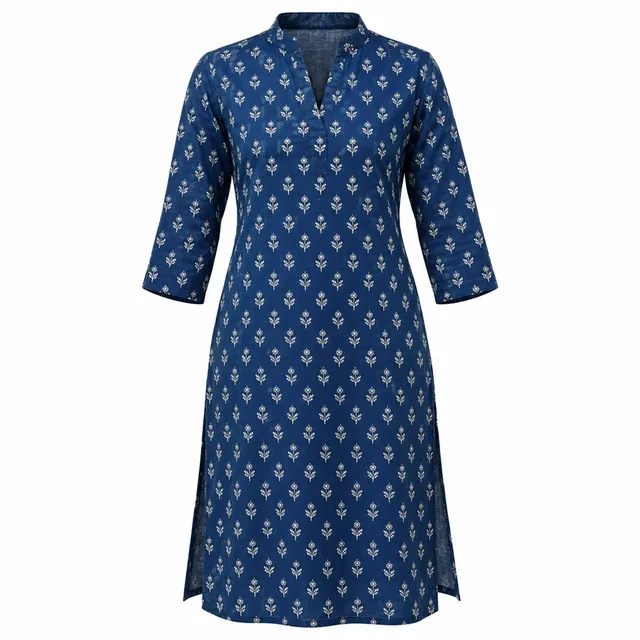
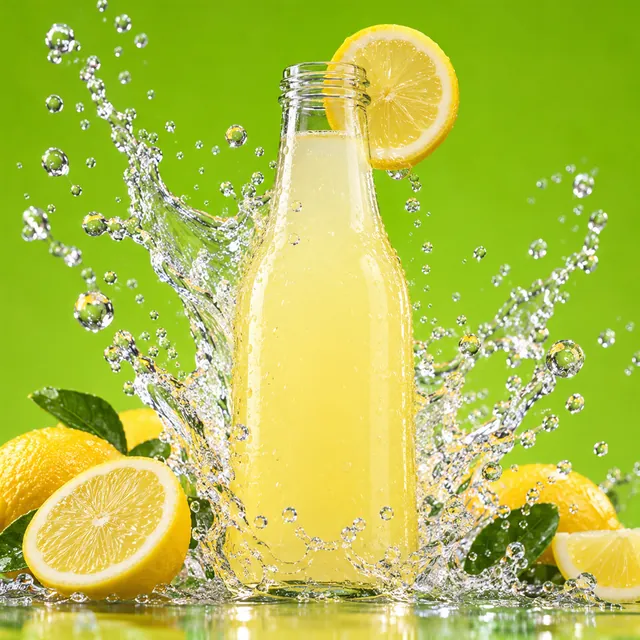
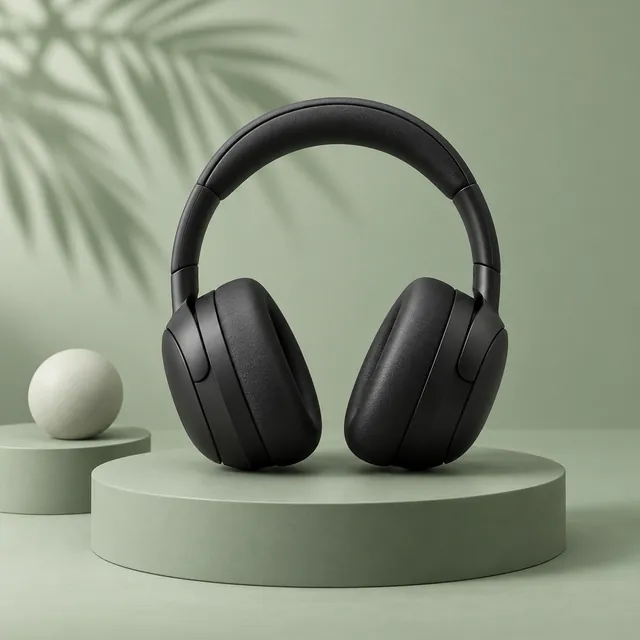
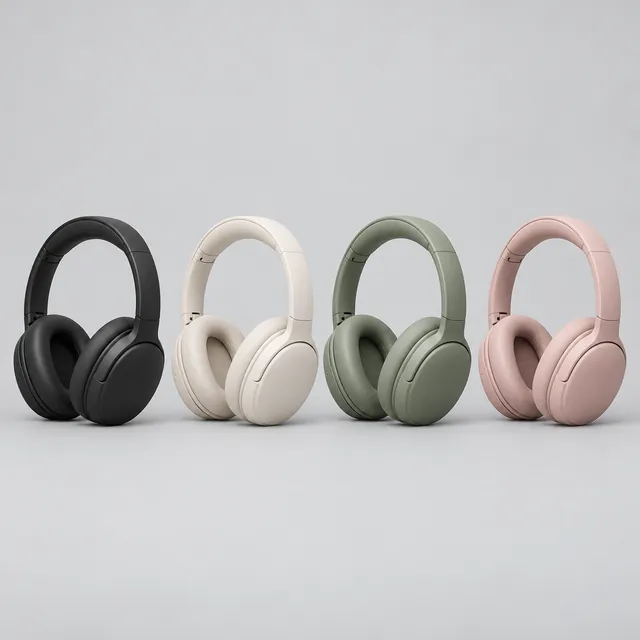
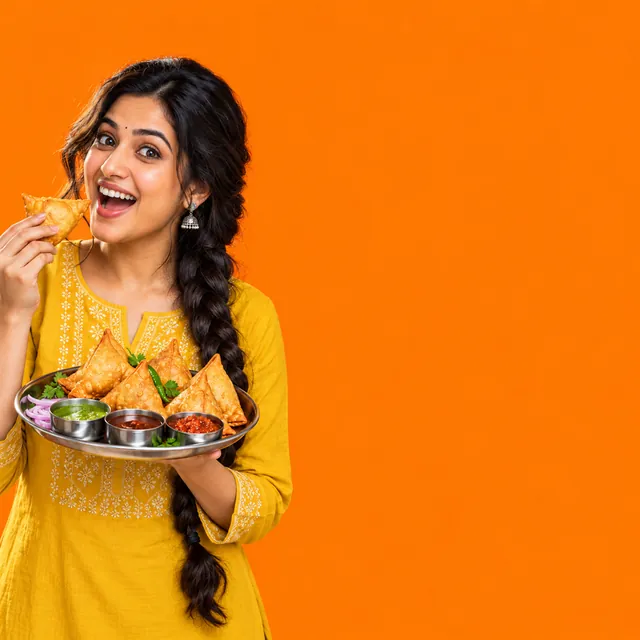
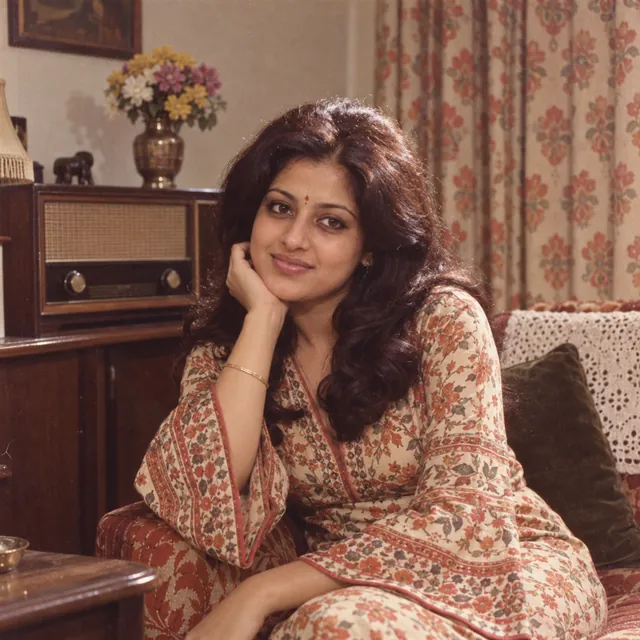
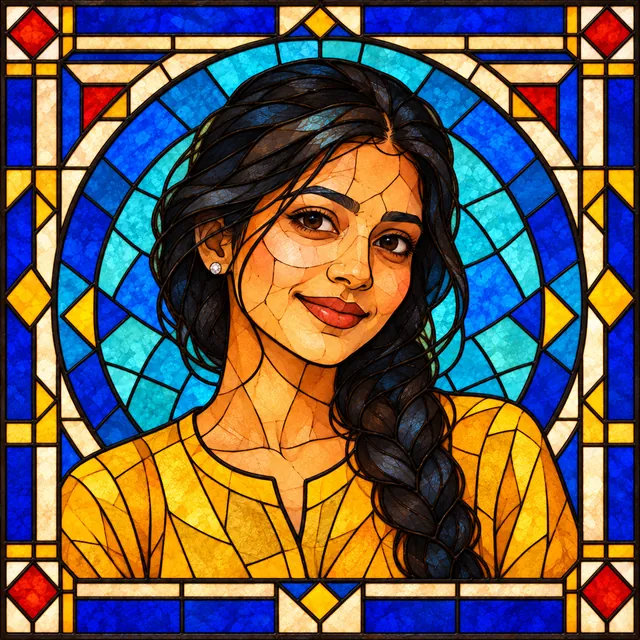
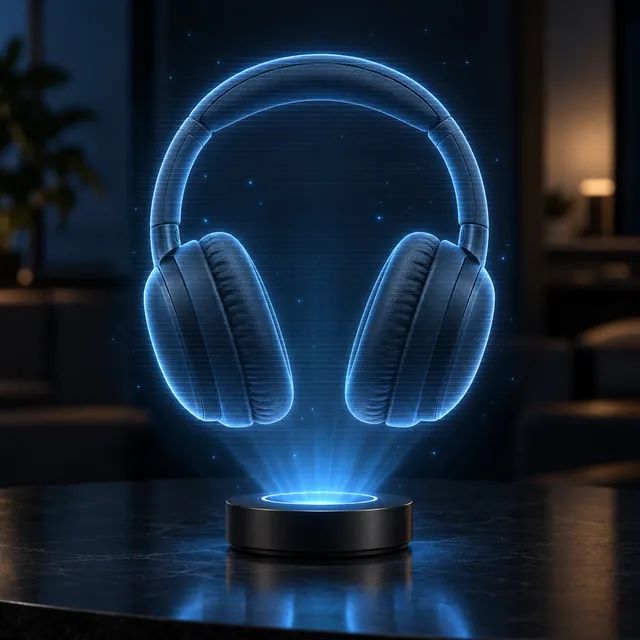
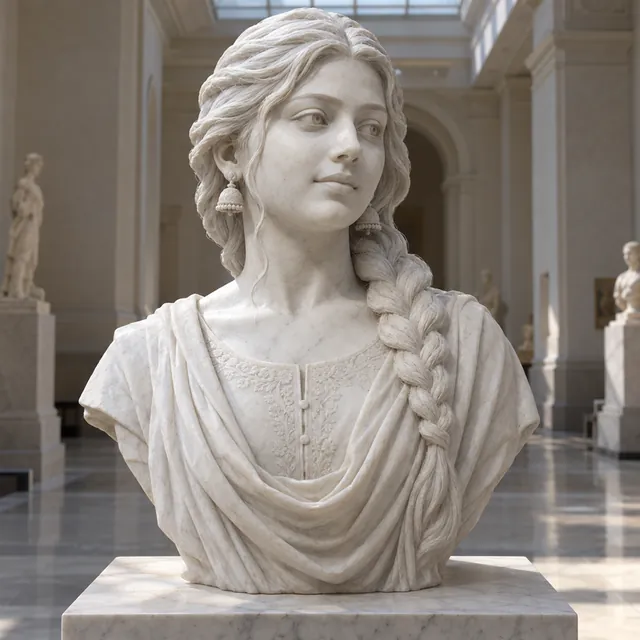
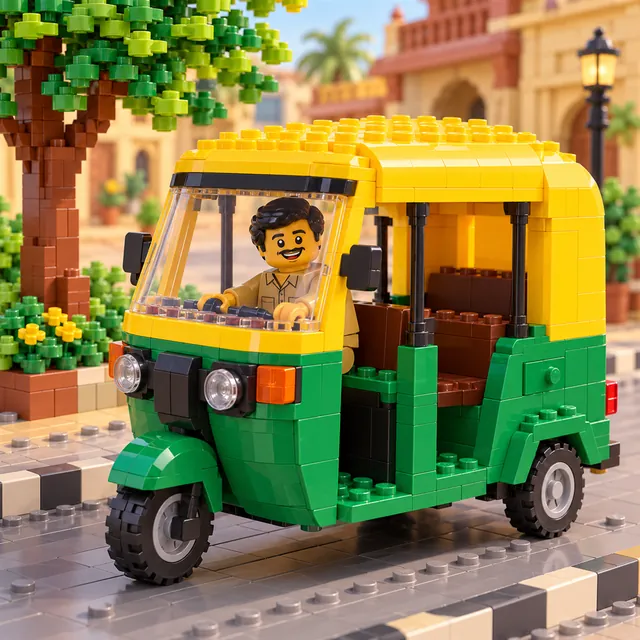
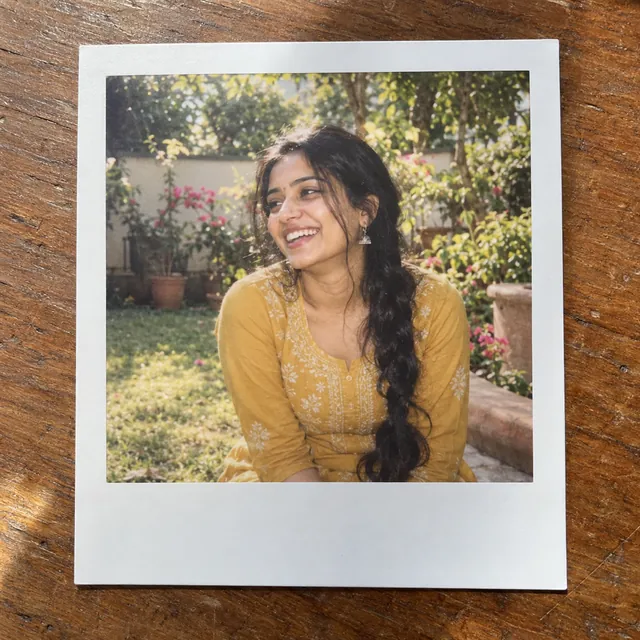
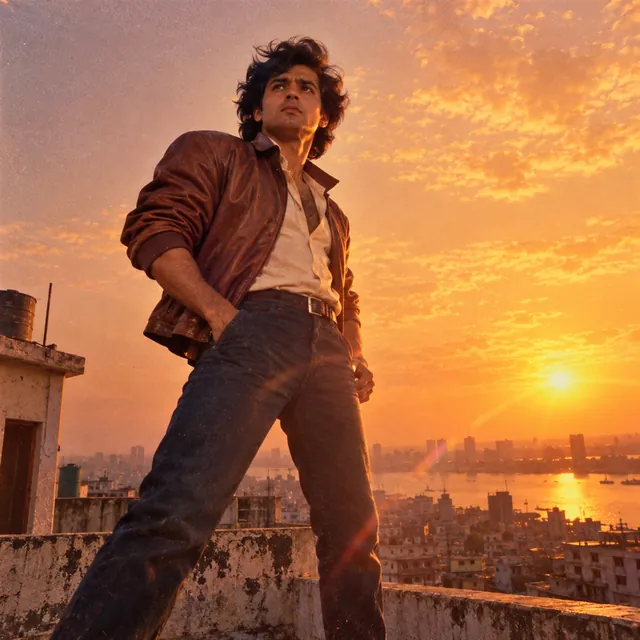
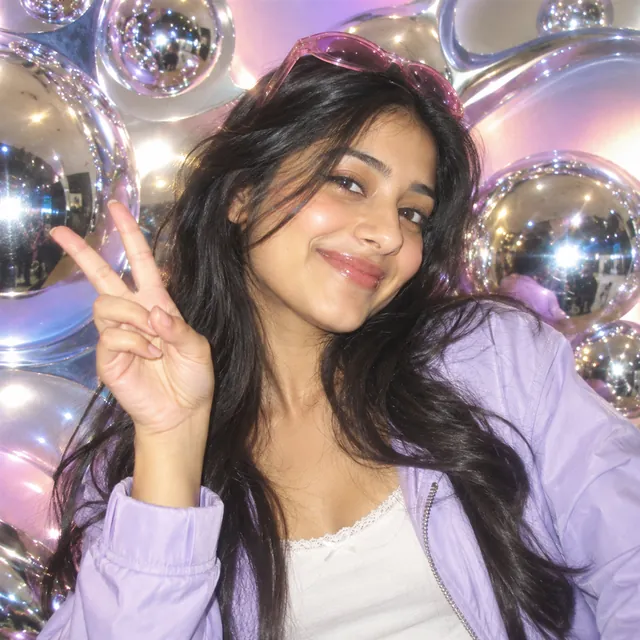
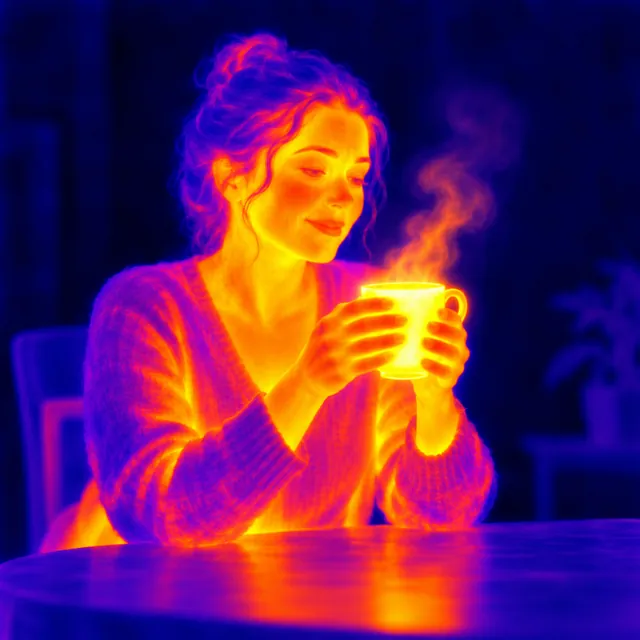
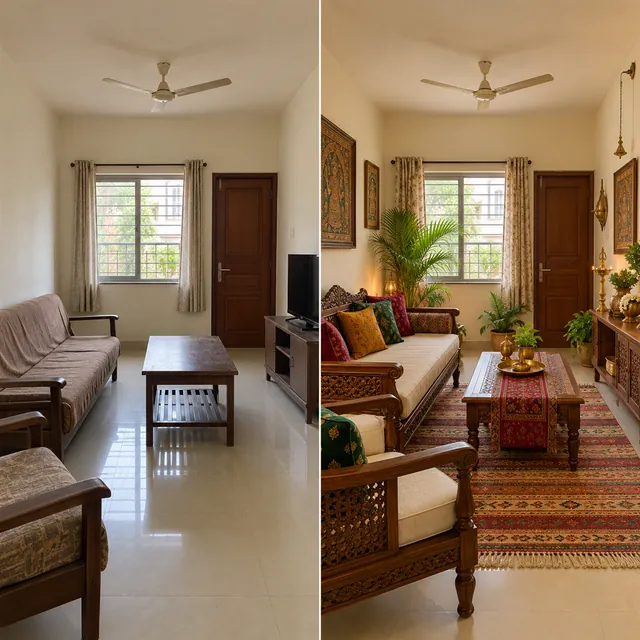
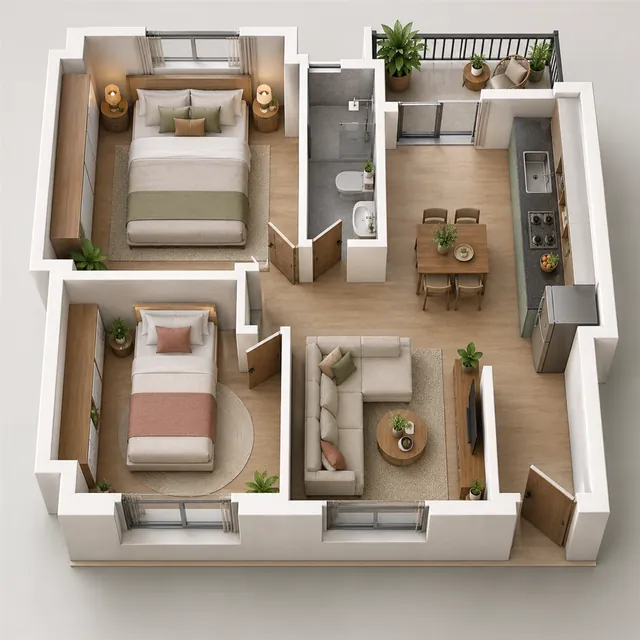
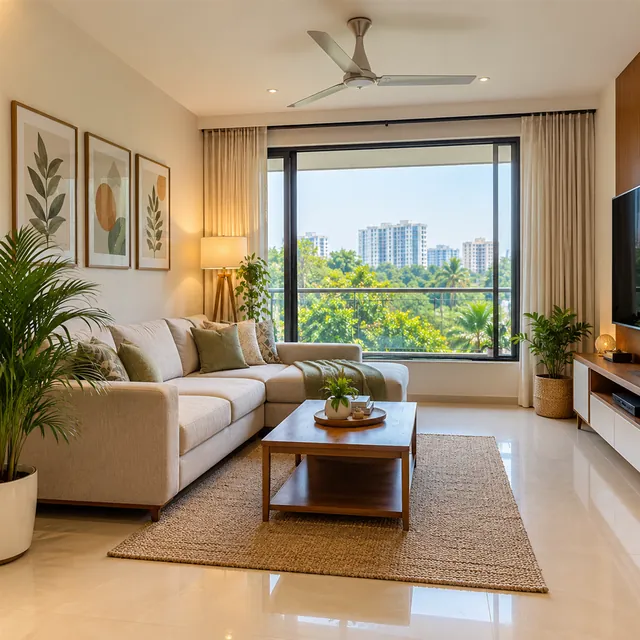
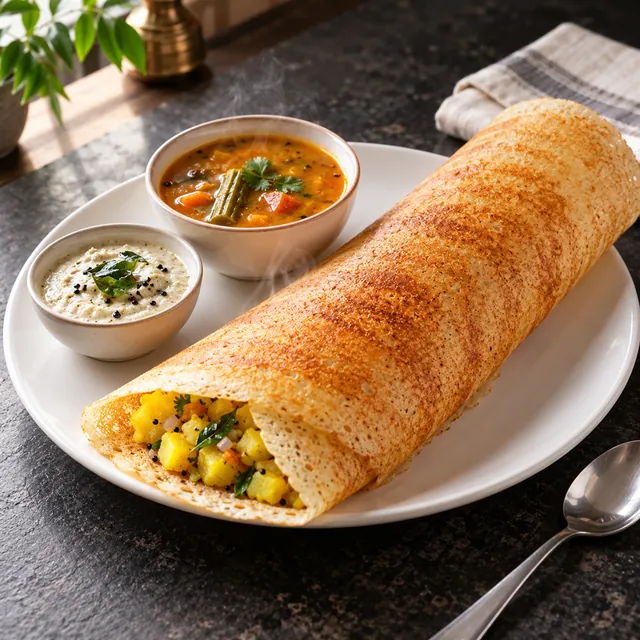
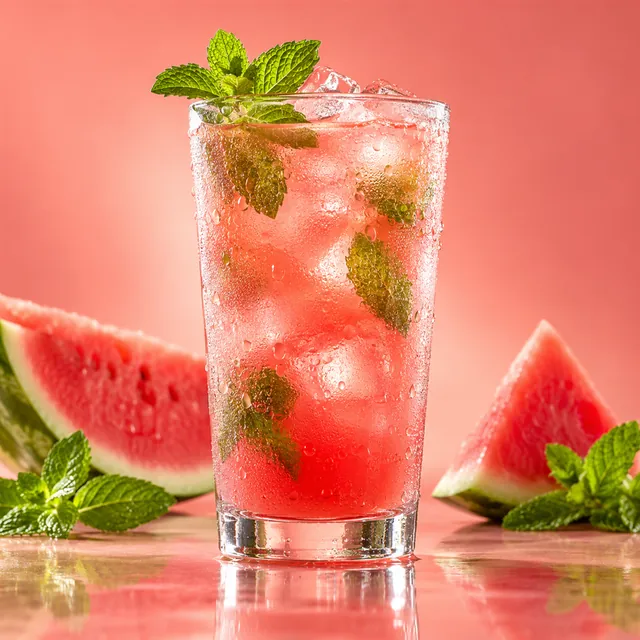
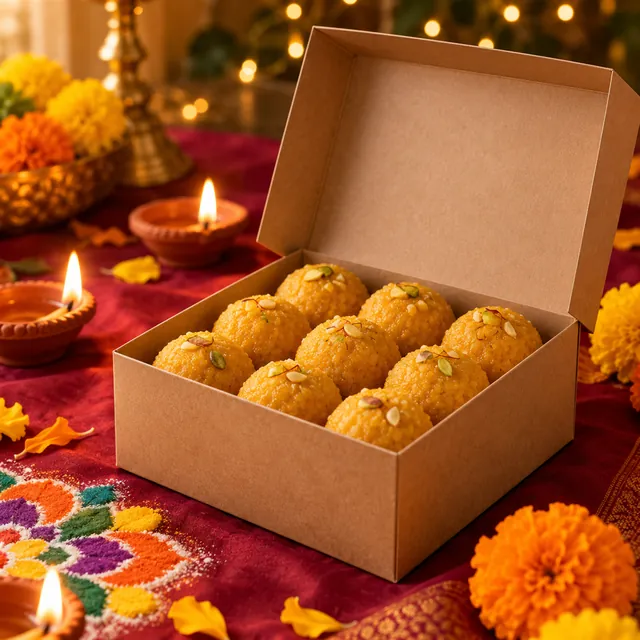
- Made with AI, using a fictional model and an unbranded product
- Price
- Free to copy, no sign-up
What are ChatGPT image codes?
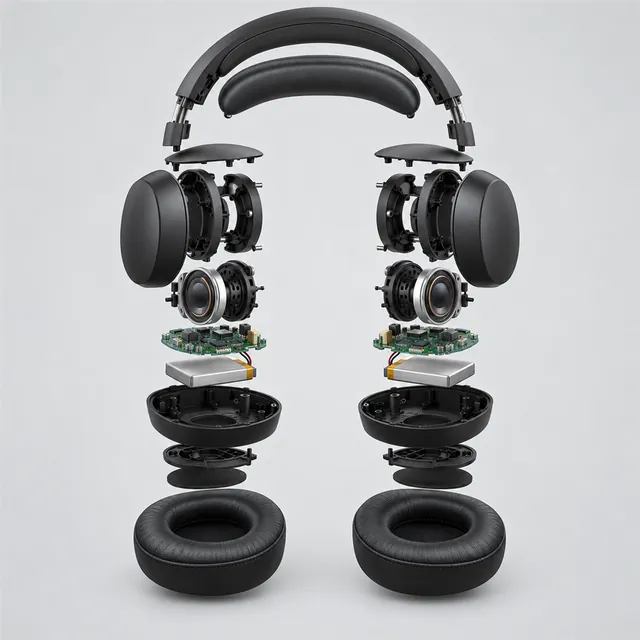
Image codes, often shared as "ChatGPT secret codes", are short style words written with a slash, such as /packshot, /explodedview or /claymation. Reels and blog lists present them as shortcuts: attach a photo, type the code, and the AI remakes the photo in that style.
This page lists the codes that appear most often in those lists, grouped by what they do: product and technical shots, ads, art styles, 3D and toy looks, lighting and camera effects, portrait fixes, retro looks, rooms and food, and Indian festive styling. Each code comes with a one-line description and the full prompt it stands for, and many have a sample image.
Are they real commands? No, and here is why that matters
Neither ChatGPT nor Gemini has a hidden list of style codes. Typing a slash in ChatGPT may bring up a small menu of tools, depending on your app and plan, but none of those is a style preset like /watercolor. When you type a code, the AI simply reads the word as part of your message and guesses what you mean.
That guess works reasonably well for famous styles such as watercolour or pixel art. It works less well for anything specific. /packshot might give you a white background one time and a marble table the next, and it may quietly change the product's shape. That is why every code here is paired with a full prompt, which spells out what to keep, the light, the background, the camera, the picture shape and what to avoid. The full prompt does the real work; the code is just an easy name to remember it by.
How to use a code
- Find the code. Type it in the search box, such as /flatlay, or browse a category.
- Copy the full prompt for the most reliable result, or copy just the code for a quick try.
- Attach your photo in ChatGPT or Gemini and paste. Every prompt begins with "Using the attached photo", so the AI works from your picture rather than inventing a new one.
- Fill in any brackets. A few prompts, such as /backgroundswap, /colorways and /timemachine, have a part in square brackets for you to complete.
Stacking two or three codes
You can combine codes that do different jobs, for example a subject style plus a light plus a camera angle: /claymation + /goldenhour, or /packshot + /rimlight. Two or three is plenty. Codes that pull in opposite directions, such as /noir and /popart, confuse the AI and give muddy results.
The cleanest way to stack is to start from one full prompt and add a sentence from another, such as "Use warm, low evening sun with a soft rim light." The /identitylock prompt is designed to sit in front of any other request, to ask the AI to leave the face or product alone.
Different spellings of the same code
Lists online spell many codes differently: /fog, /mist and /fogeffect, or /ugc, /ugcmodel and /ugcimage. They all mean the same thing to the AI, because it is only reading the word. On this page each code shows its other spellings under the main one, and searching for any of them finds the same card.
Codes for online sellers
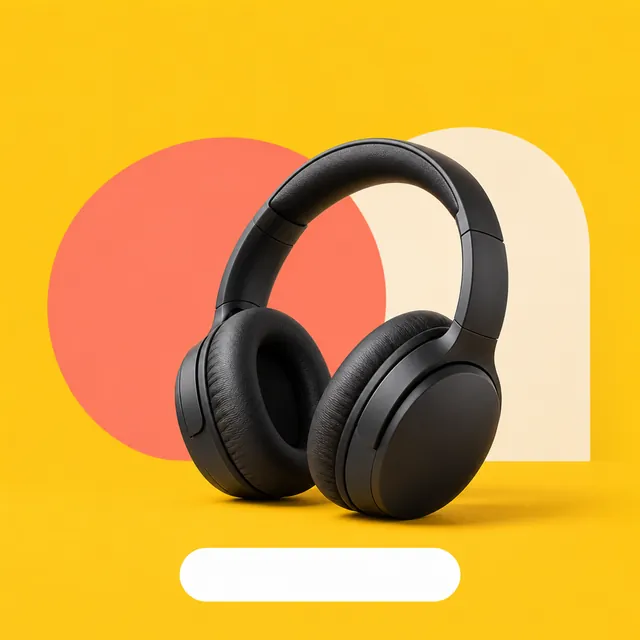
The product codes are the most useful ones for small shops. /packshot gives a plain-background catalogue photo, /flatlay a styled top-down shot, /lifestyleshot shows the product in use, /360view shows several angles, and /ghostmannequin or /onmodel suit clothing. A few tips:
- Start from a sharp photo of the real product on a plain surface. The AI can only copy what it can see.
- For sides the camera did not capture, such as the back of a product in /360view, the AI has to guess. Attach extra photos and say so.
- Check every result against the real item: shape, colour, buttons and printing. Listing photos should show what the customer will actually receive, so follow each marketplace's own image rules.
- Codes that need words, such as /infographic and /metaads, leave the text areas blank on purpose. AI apps often misspell words, so add your text afterwards in a normal editor.
Our own Indian codes
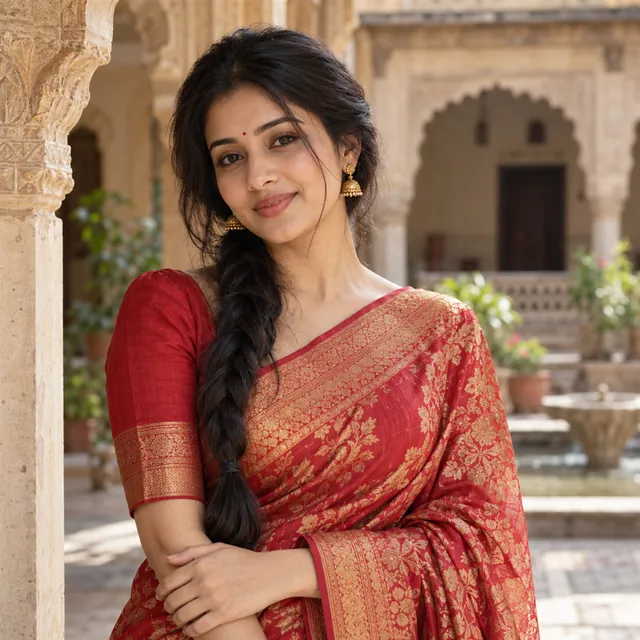
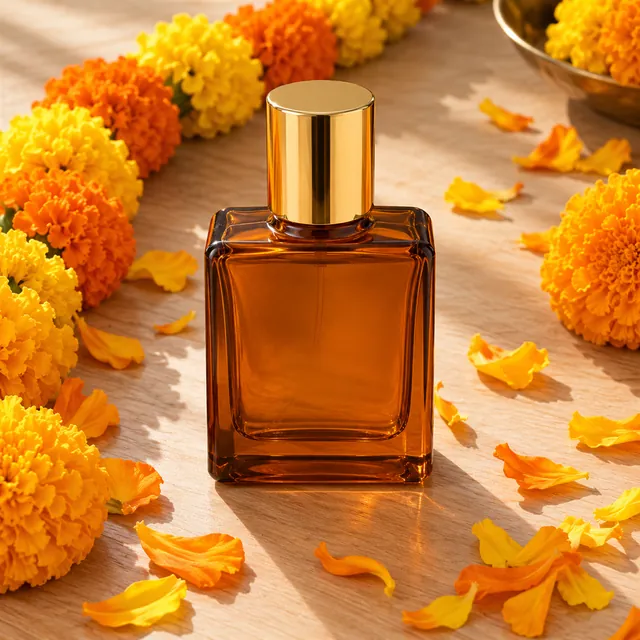
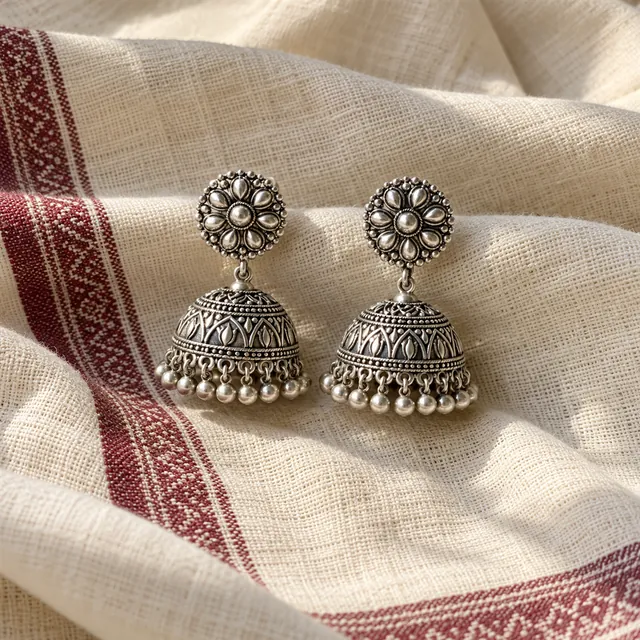
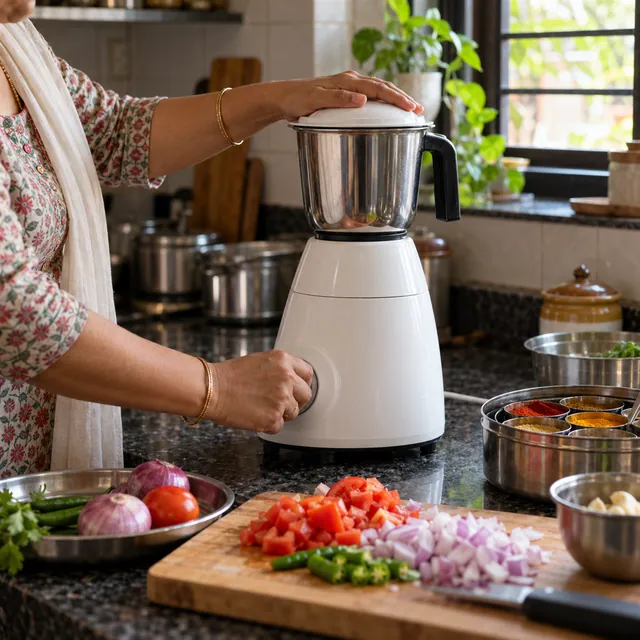
Most lists online have very few Indian looks. We added a small set of codes for them, such as /saree and /diwalilights here, and /rangoli, /haldi, /mehendi, /bhaidooj and /chhathghat on our festival prompts page. These are names we chose, not codes that came from anywhere official. Product sellers can also use /festive, /marigoldpetals, /brassprops, /handloomtexture and /indianhome to give catalogue photos a local setting.
Codes we changed or left out
- Studio and toy brand names. Some lists include codes named after animation studios or toy brands. We describe the look in plain words instead, for example /animeversion for a hand-painted anime look and /bricktoy for a plastic brick model.
- Passport photos. We left out an AI passport photo code. Official photos need a real, unedited picture of you, so use the passport size photo maker instead.
- Celebrity and lookalike codes. Prompts that put you next to a real famous person, or make you look like one, are not included.
A quick word on privacy
The codes and prompts are plain text that you copy in your browser. Your photo goes only to the AI app you attach it in, under that app's terms. Use your own photos, or photos of people who have agreed. MuftTools.in is not affiliated with OpenAI or Google.
 Trending